 Girilang
A key register. Who holds what.
Keys, fobs, codes. Accounted for.
Record each key for a property and how many copies exist, hand copies to tenants and tradespeople, and see at a glance which are out and which are in the drawer.
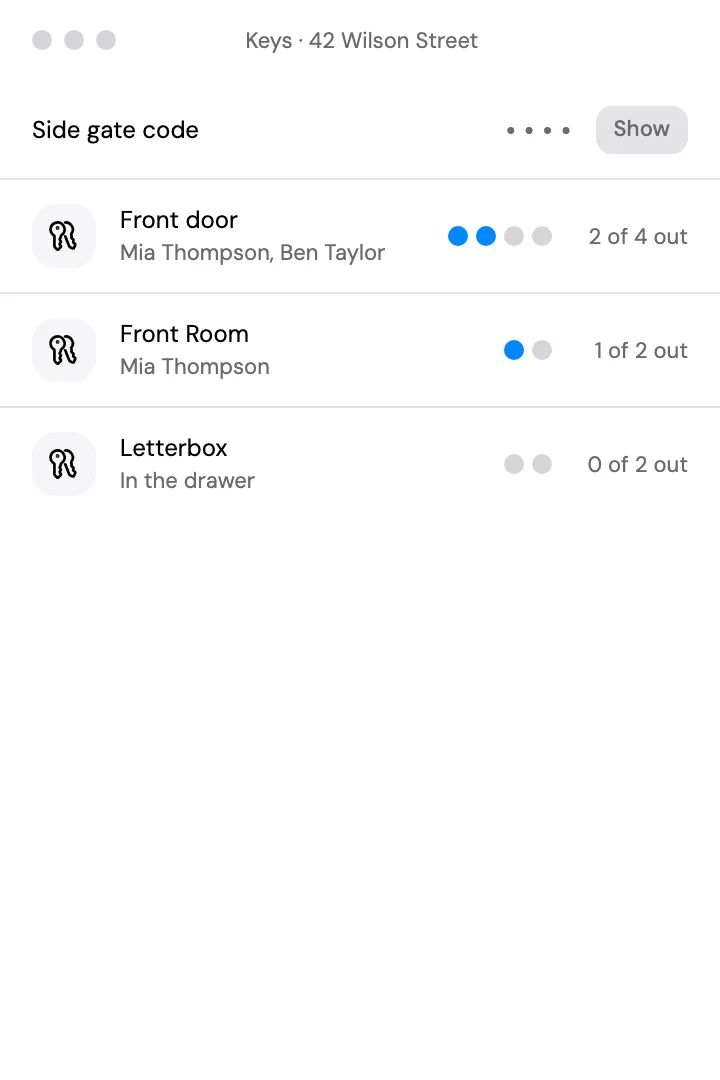
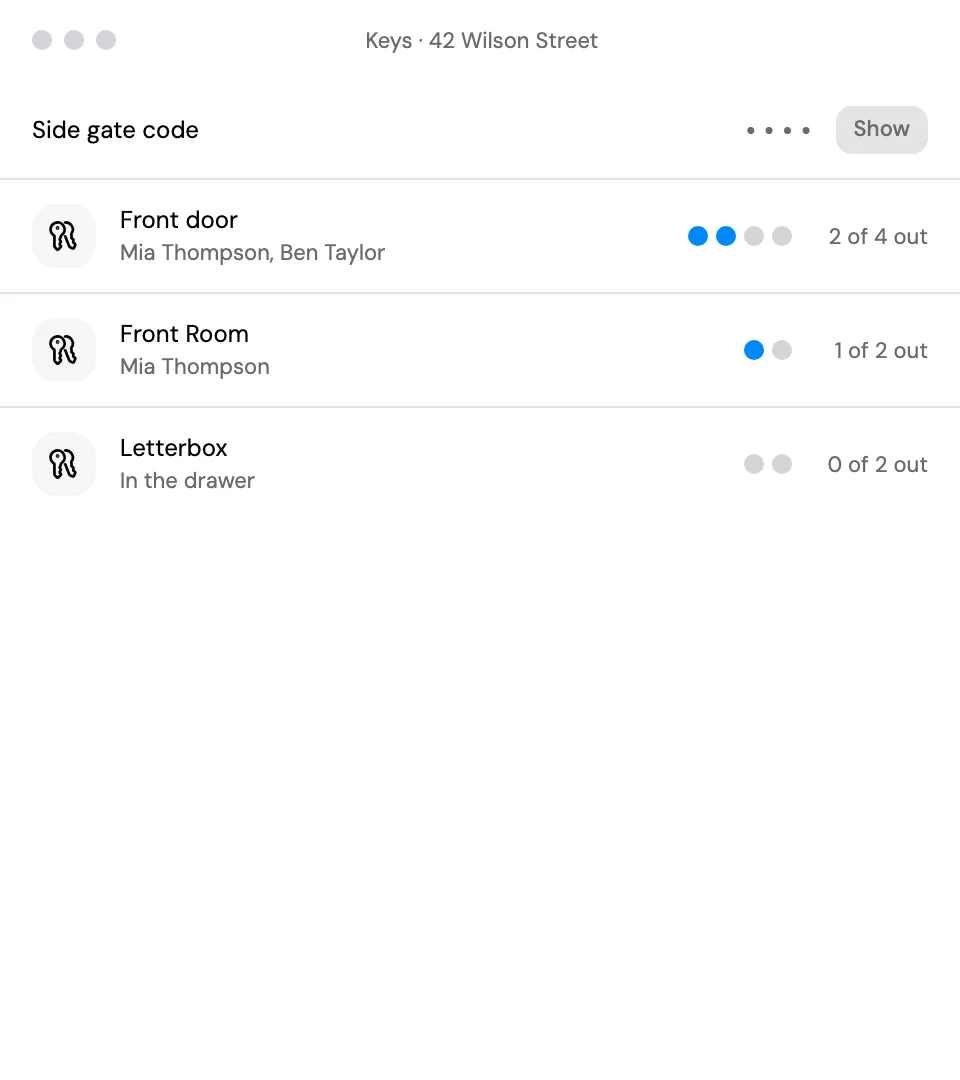
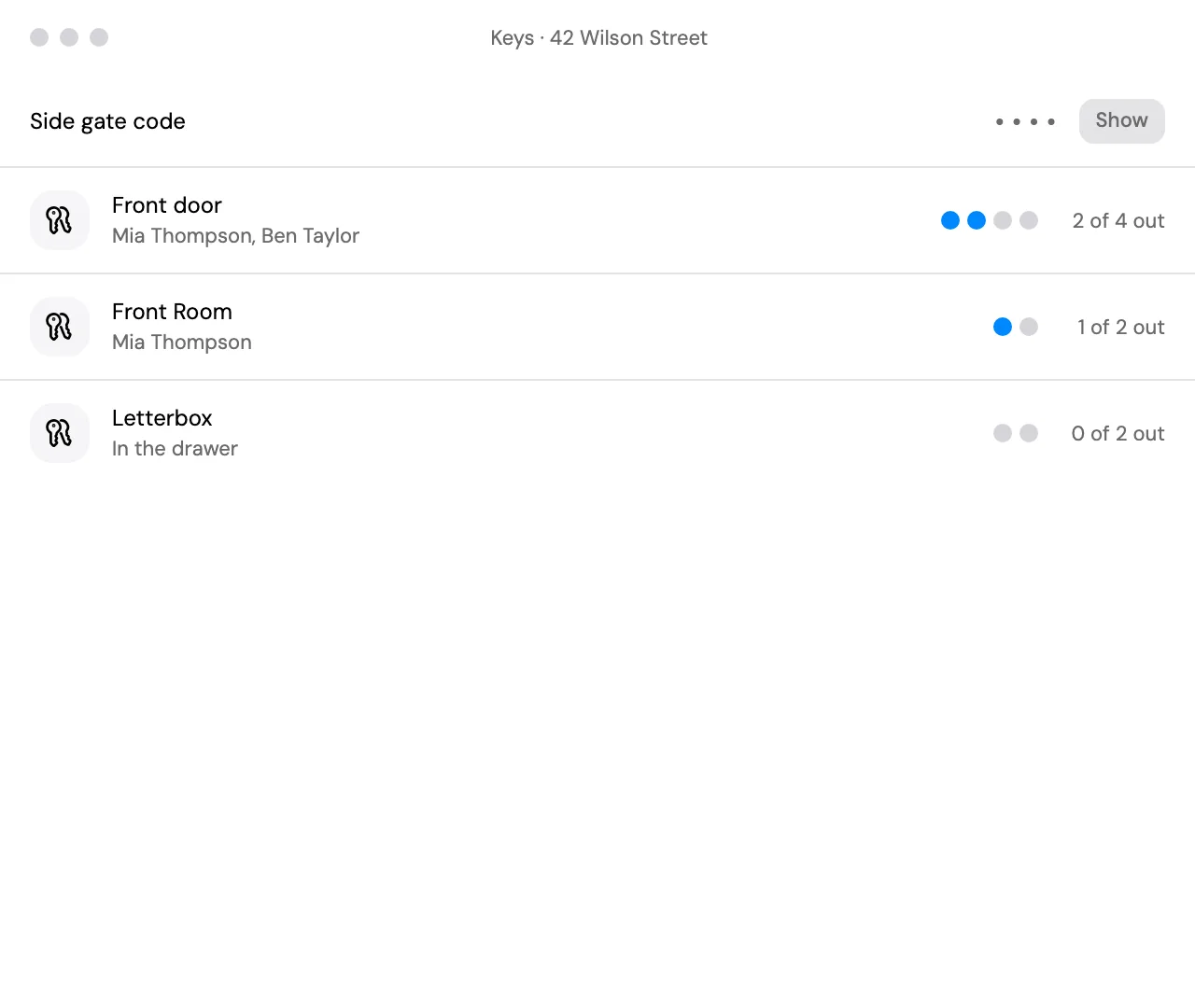
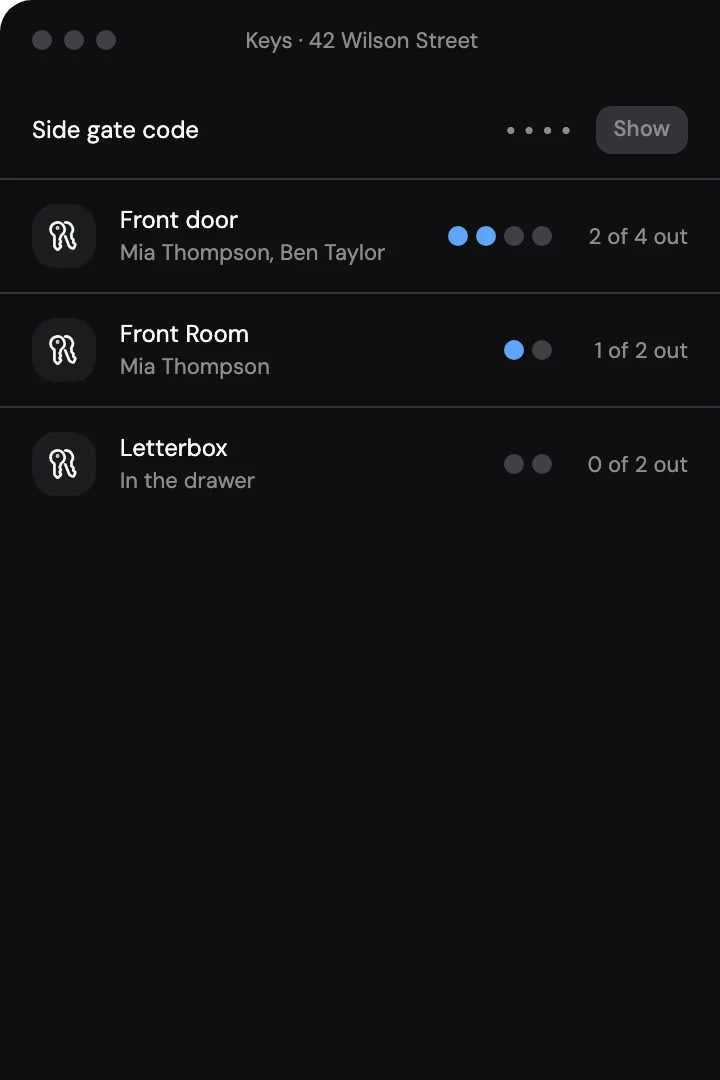
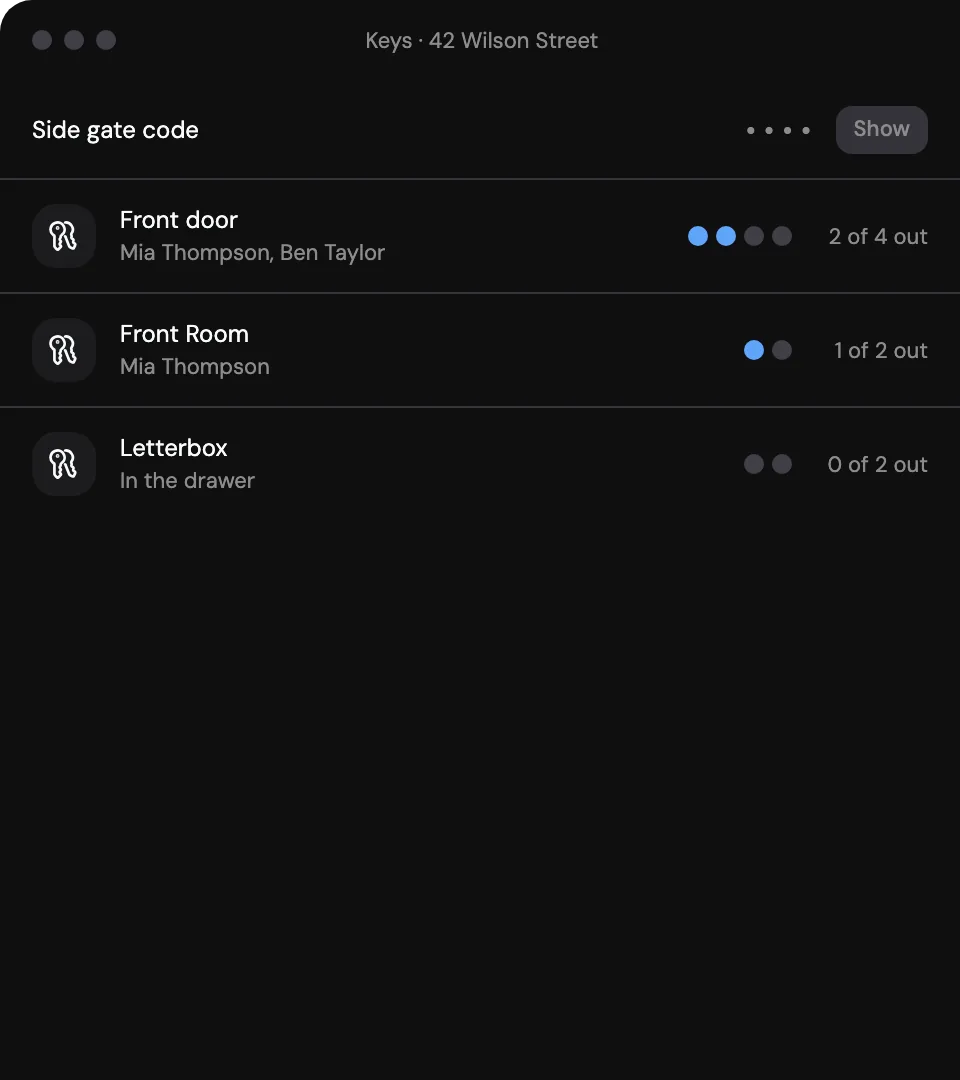
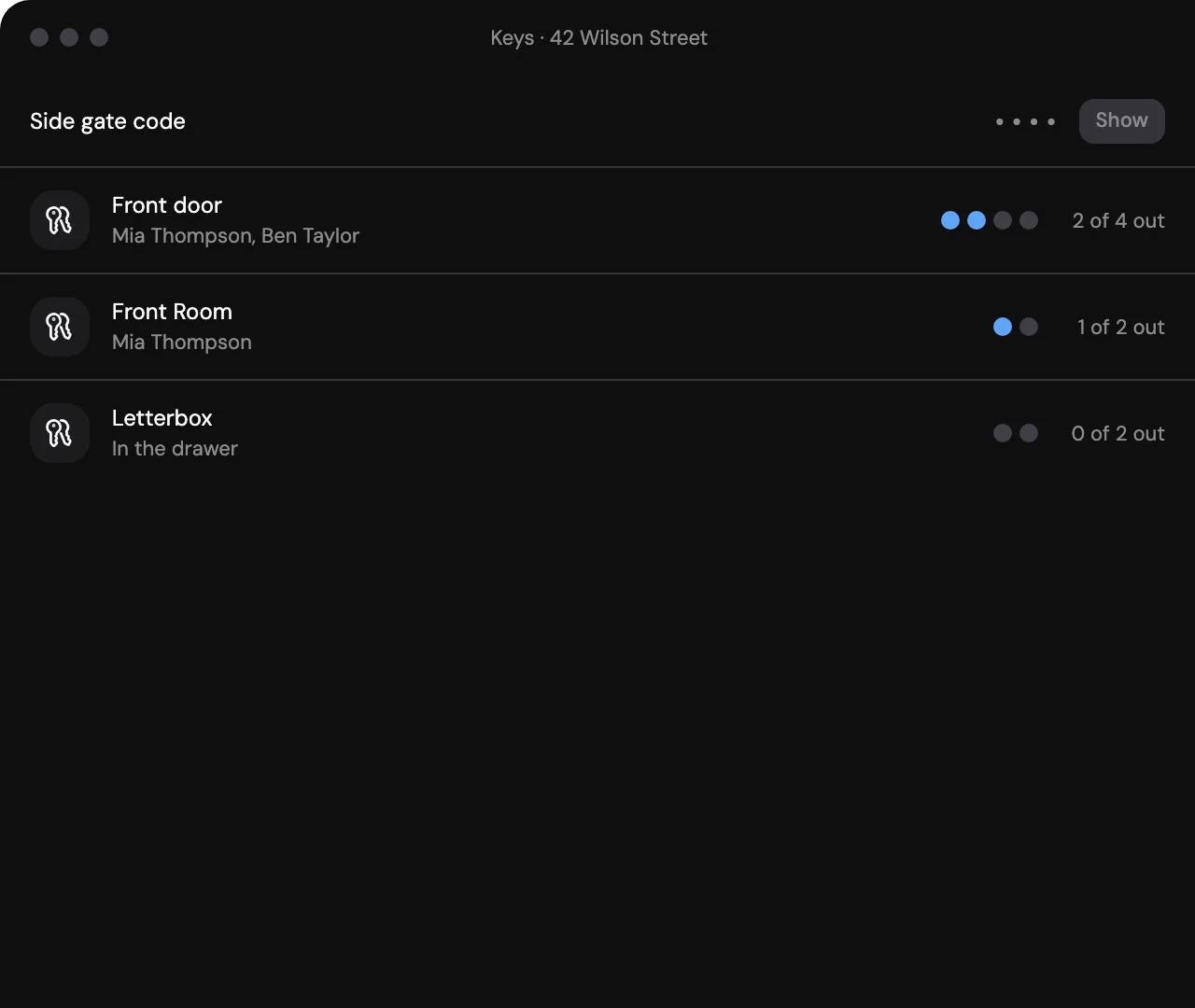
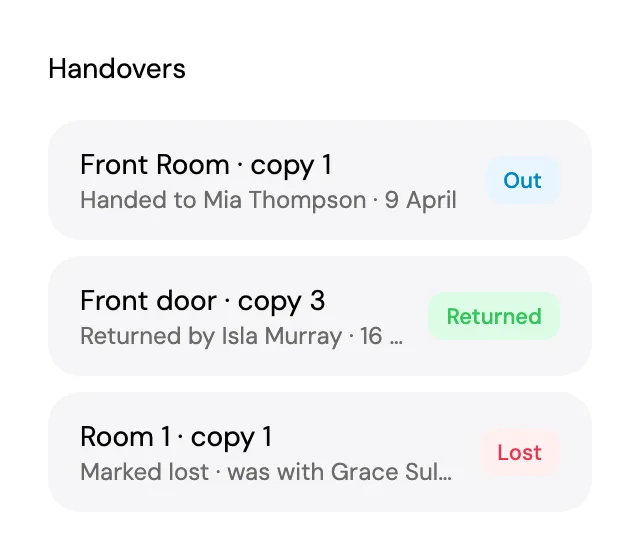
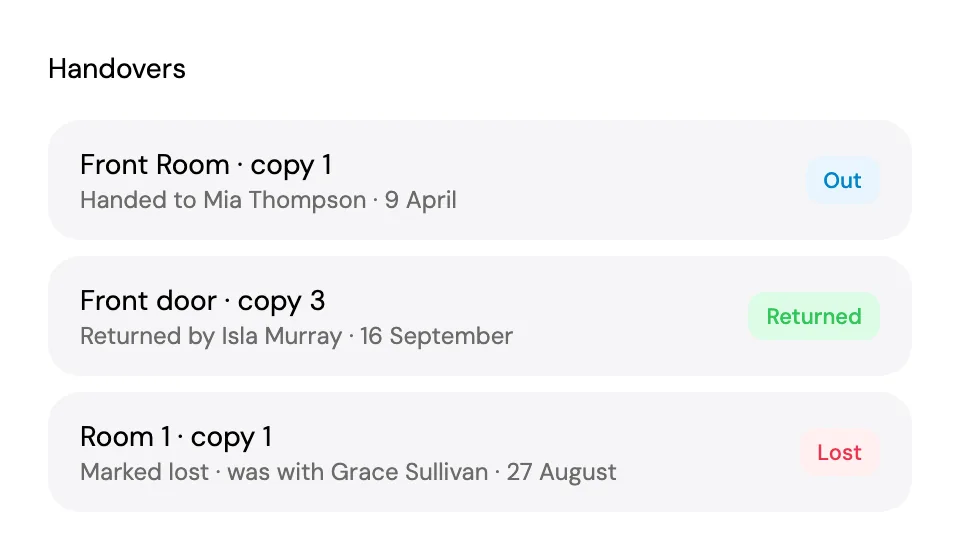
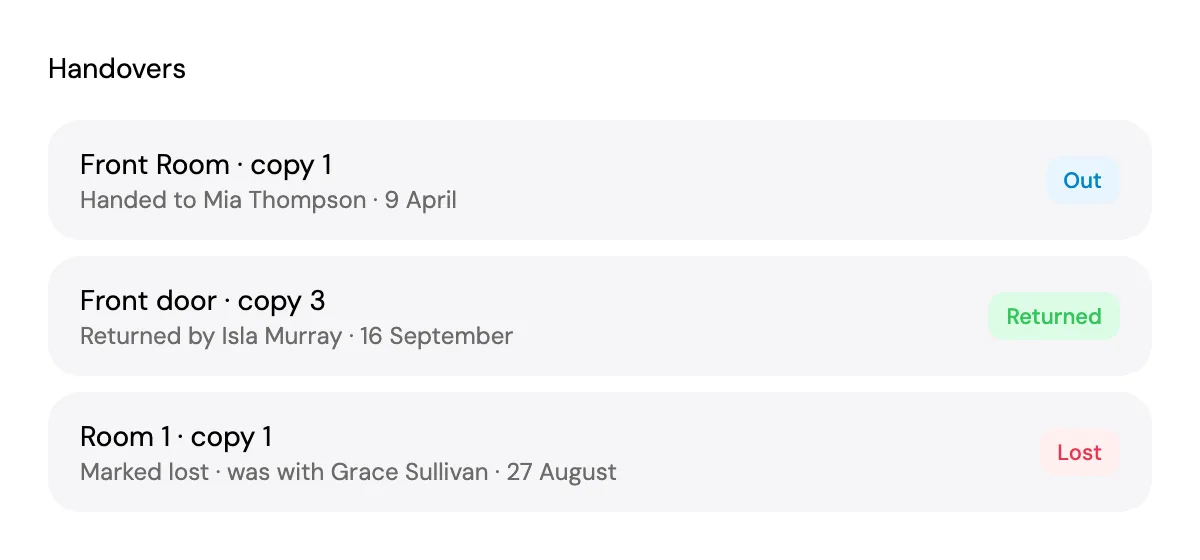
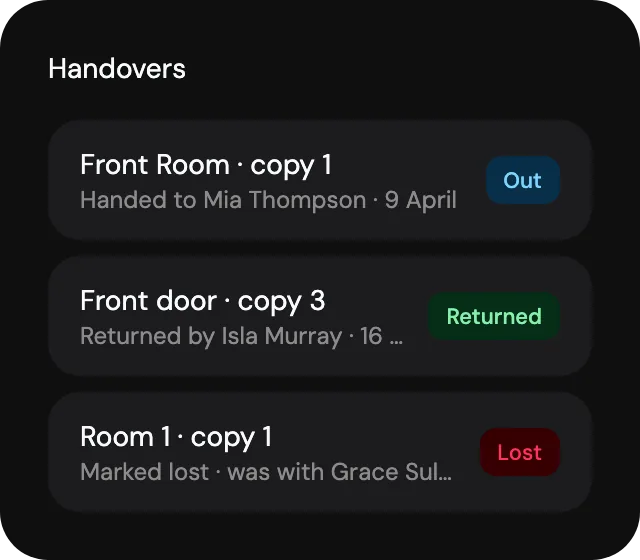
Who holds what. Each handover records the person and the date, and a tenant’s page shows the keys they hold.
Codes kept hidden. Door codes are stored with their key and stay hidden until you choose to show them.
Handled at move-out. Collect keys as part of ending a tenancy, and mark a lost copy so you know when to rekey.
Girilang records the keys and codes you type in. It does not connect to smart locks.
Door codes.Ready when you arrive.
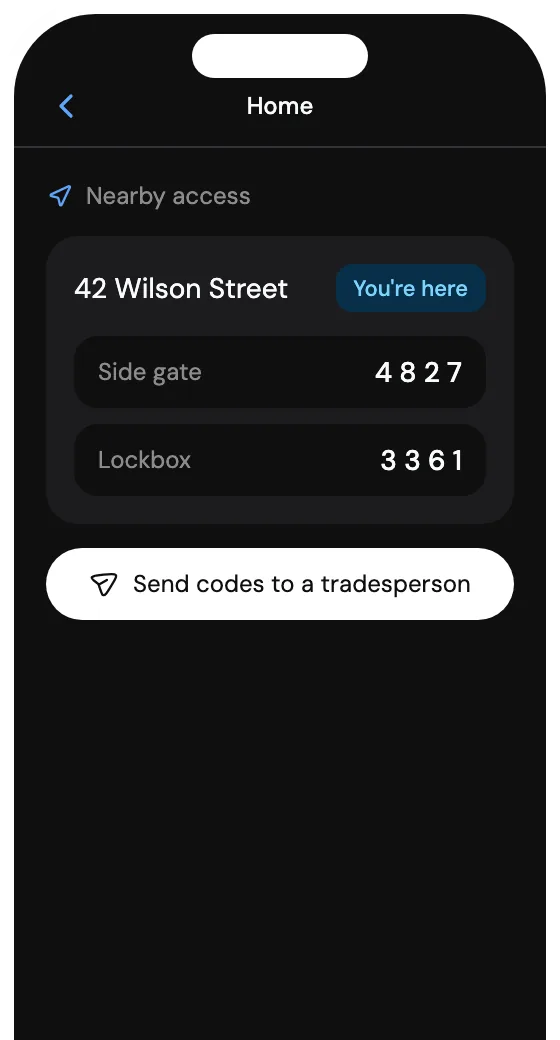
Nearby access with the codes for the property you are standing at, ready to send to a tradesperson
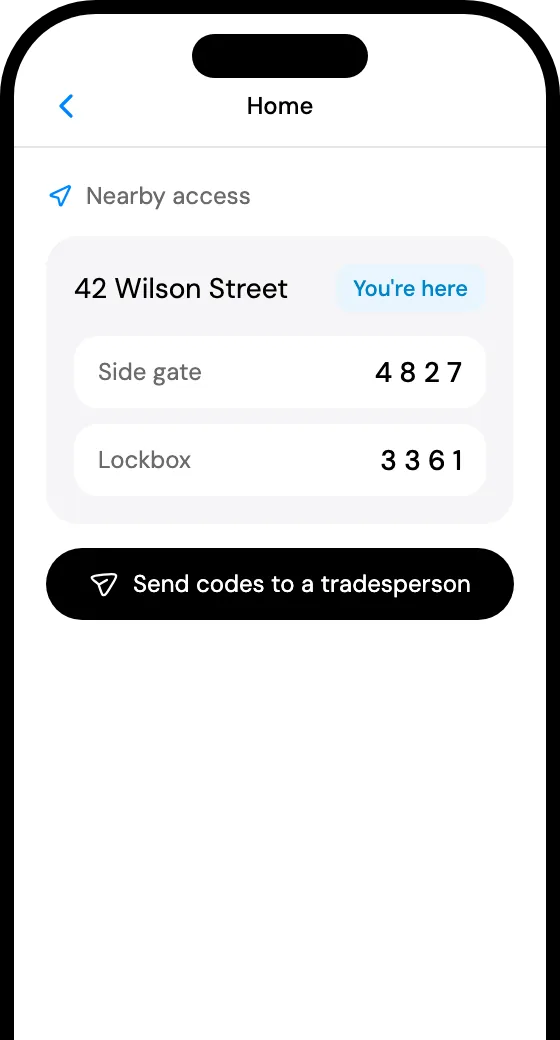
Handovers on record with returned and lost copies kept current
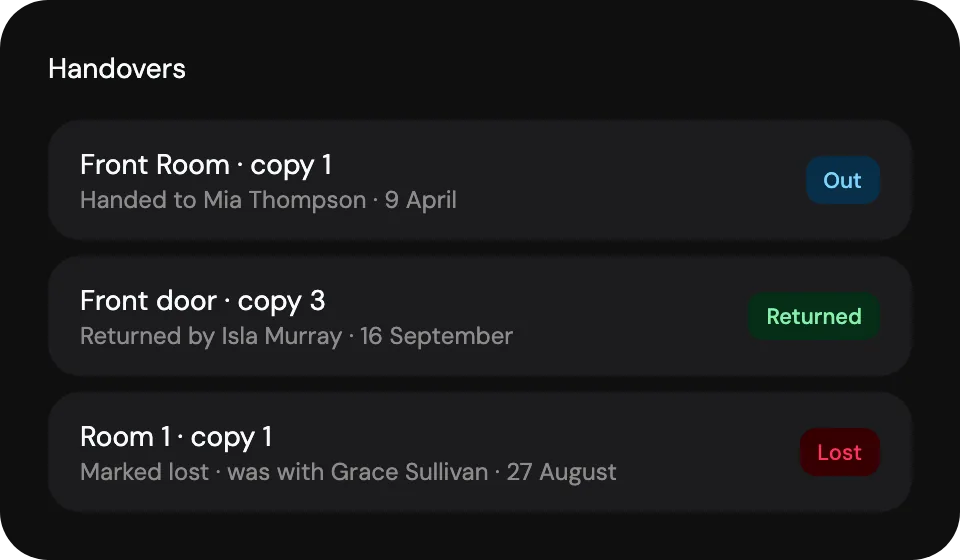
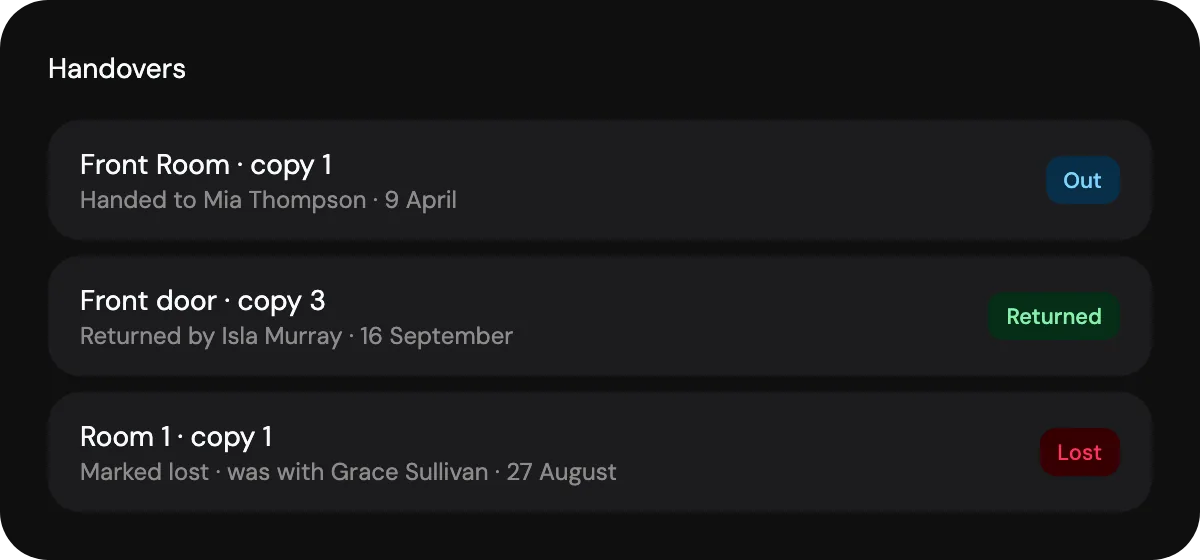
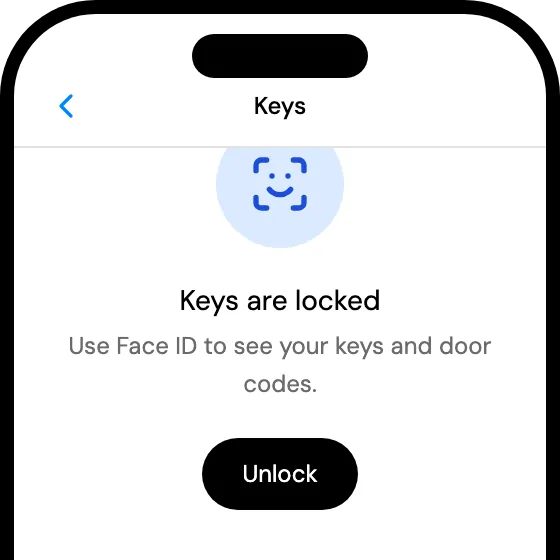
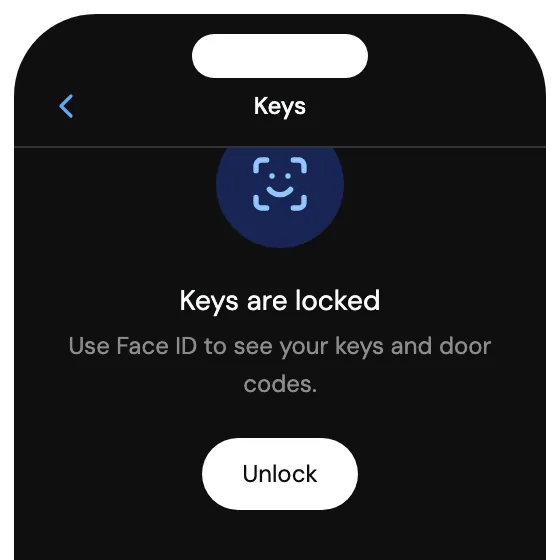
Locked behind Face ID so a phone left on a bench is not a list of codes
Keeping a key register for your rentals.
A key register records every key, fob and access code for a property, how many copies exist and who holds each one. Girilang keeps it with the property, so a handover, a return or a lost copy is recorded where the next person will look.
Up to 20 copies per key, each one recorded as in the drawer, handed out, returned or lost.
Yes. With location permission, the iPhone app shows the codes for the property you are standing at, front door first, and can share them with a tradesperson. An optional alert can tell you when you arrive, and the code itself never appears in it.
Owners and managers see every key and its codes. Read-only team members cannot open a key or see its codes, tenants have no access to keys at all, and the iPhone app can lock the keys page behind Face ID.
No. Codes are typed in and stored on the key; Girilang does not connect to any lock.
More of what Girilang does.

Start with one property.
Add it and the people who live there today. The rest of your rentals can follow when it suits you.