 Girilang
Resident agreements. Signed on a phone.
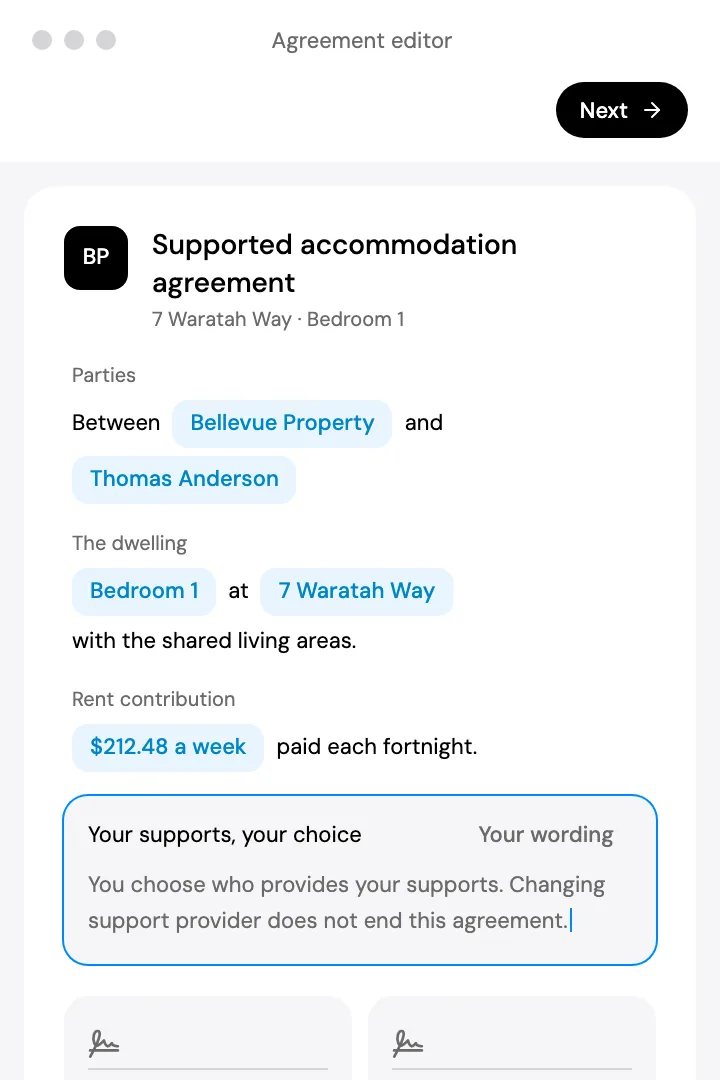
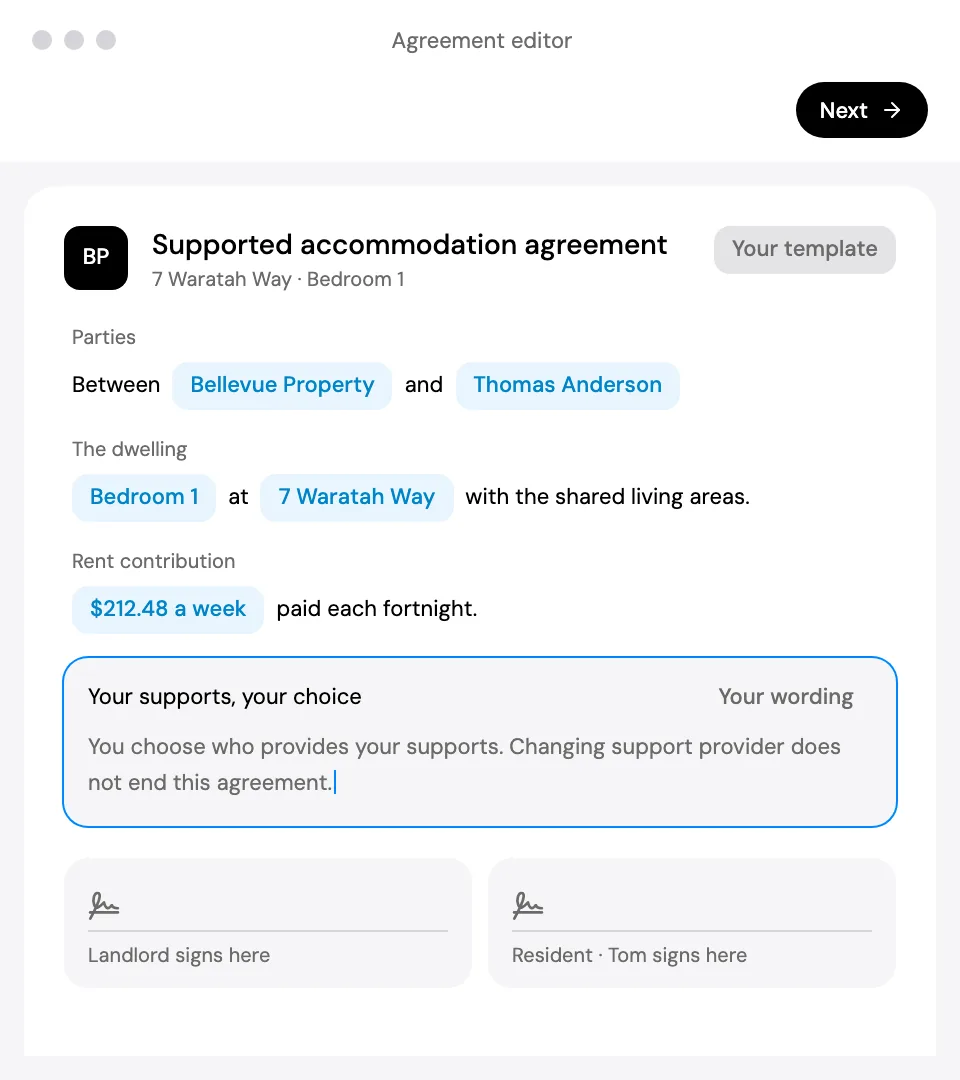
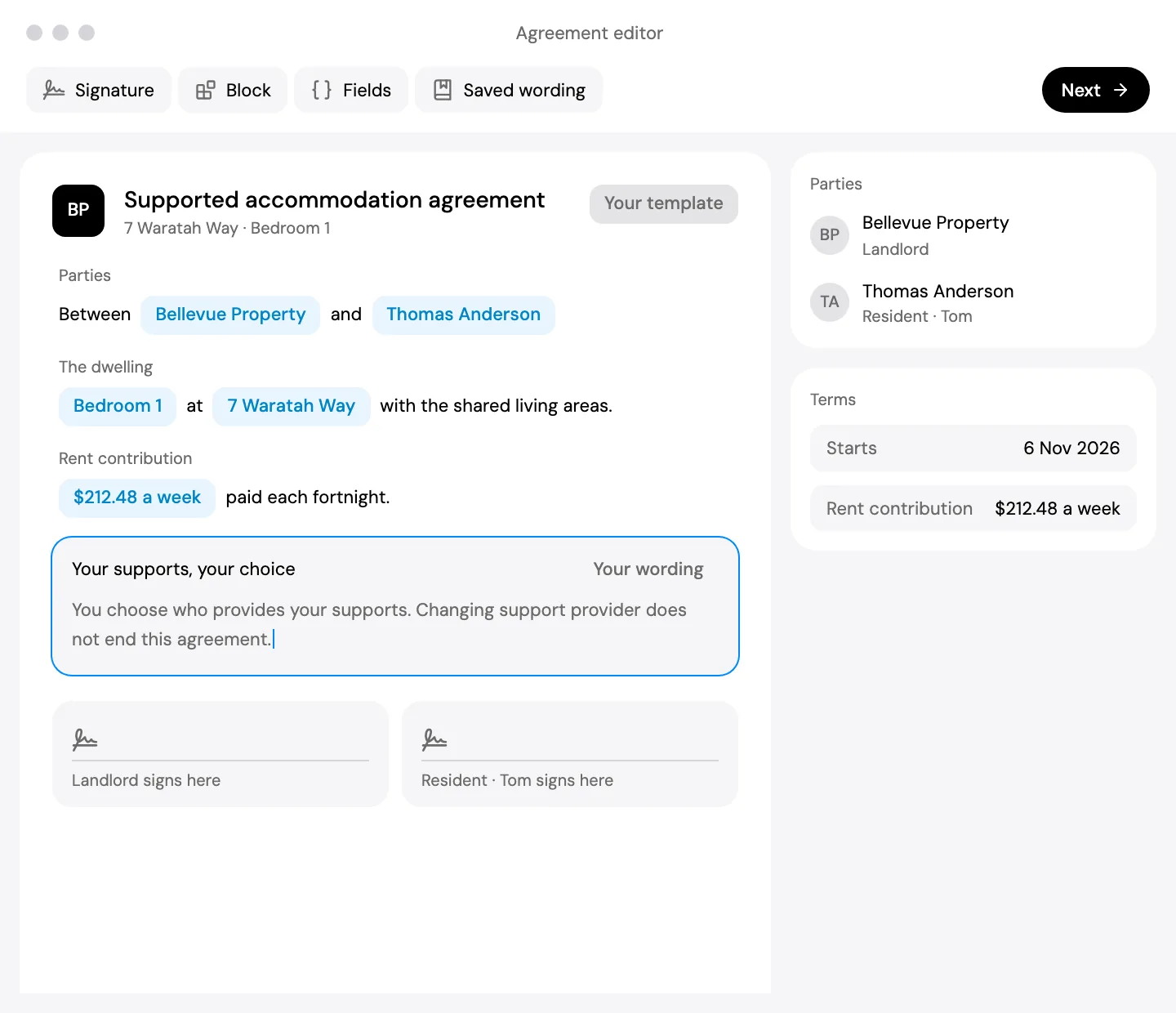
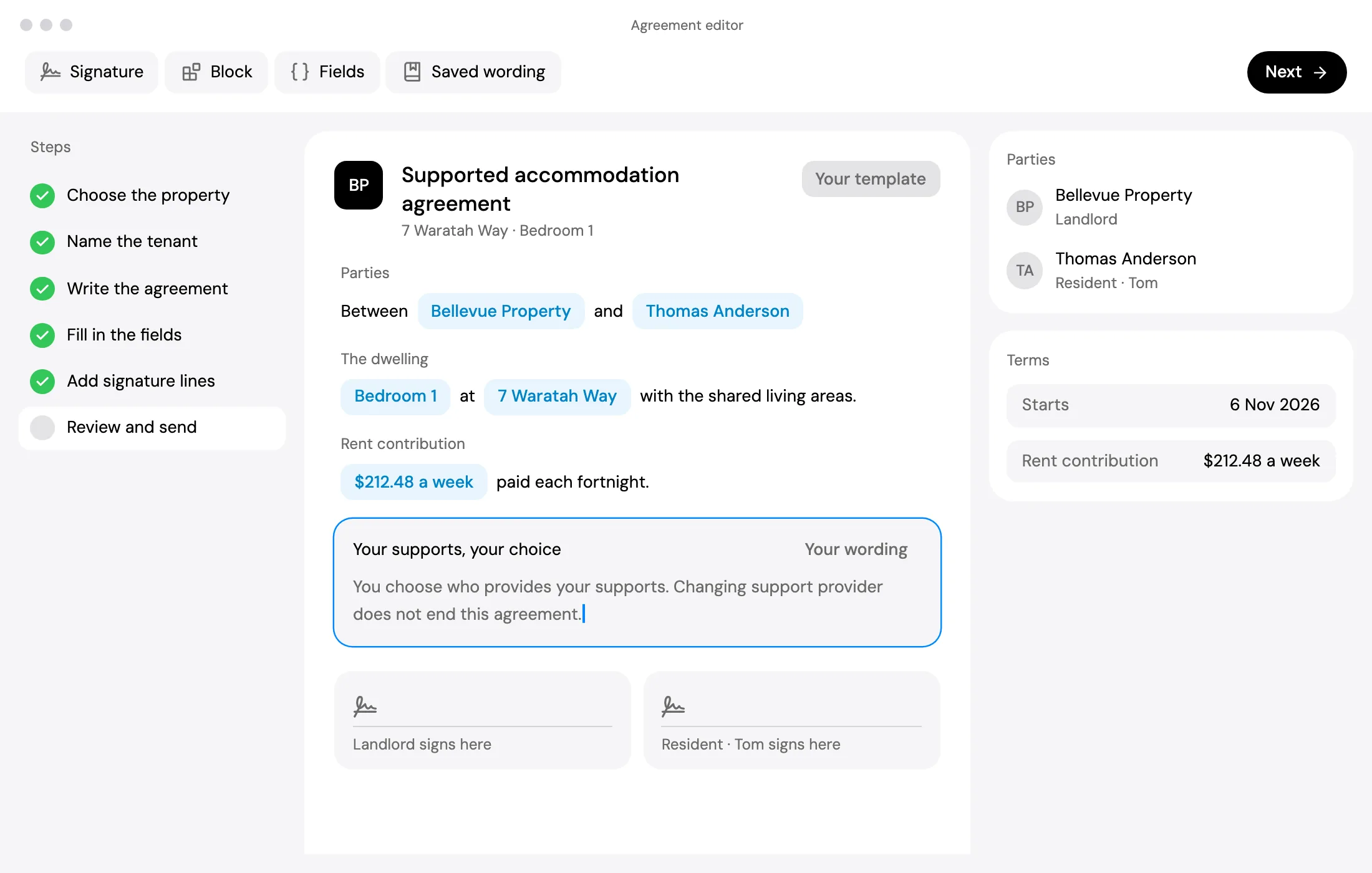
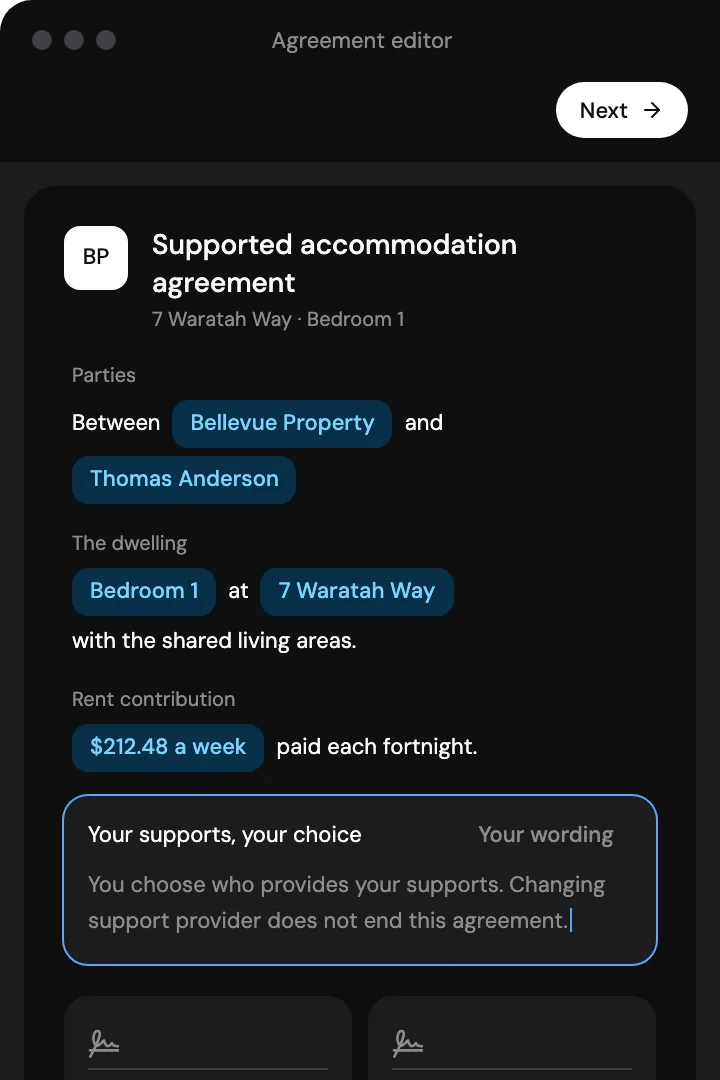
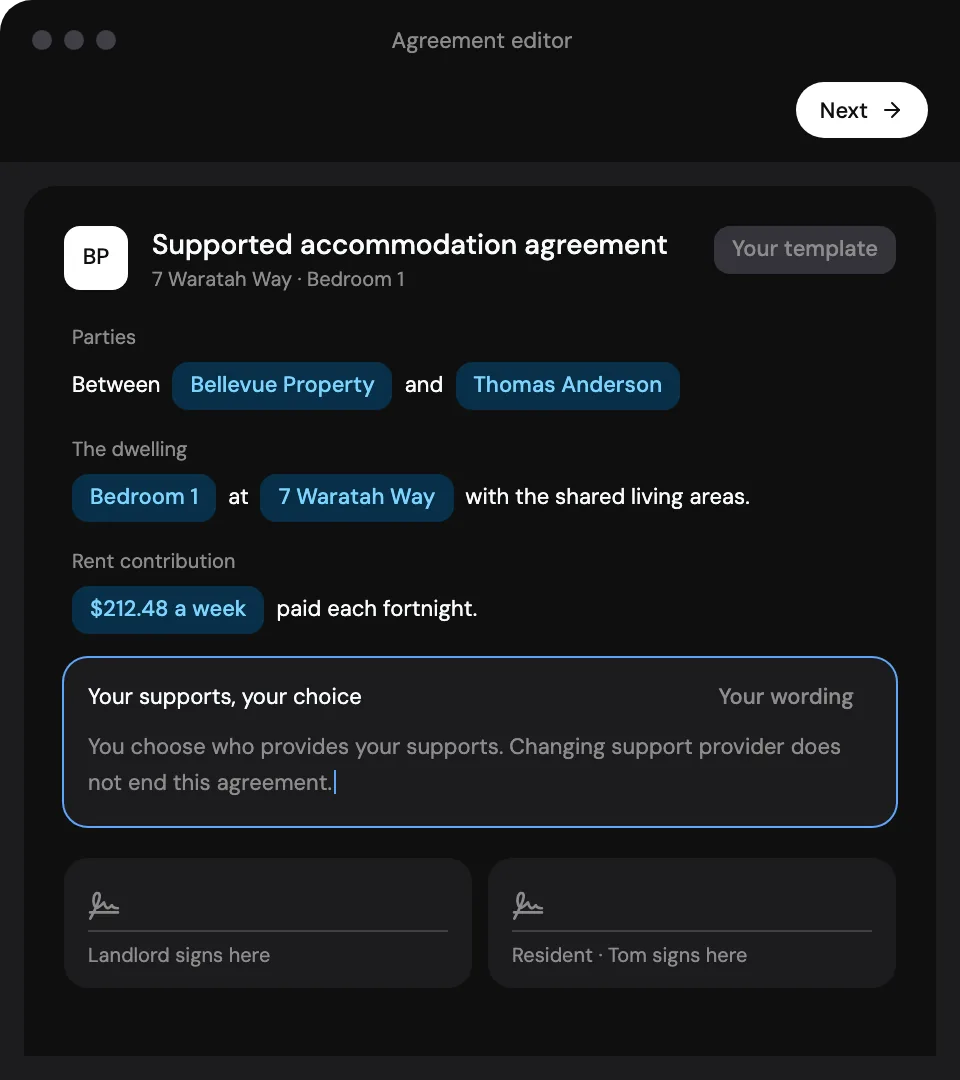
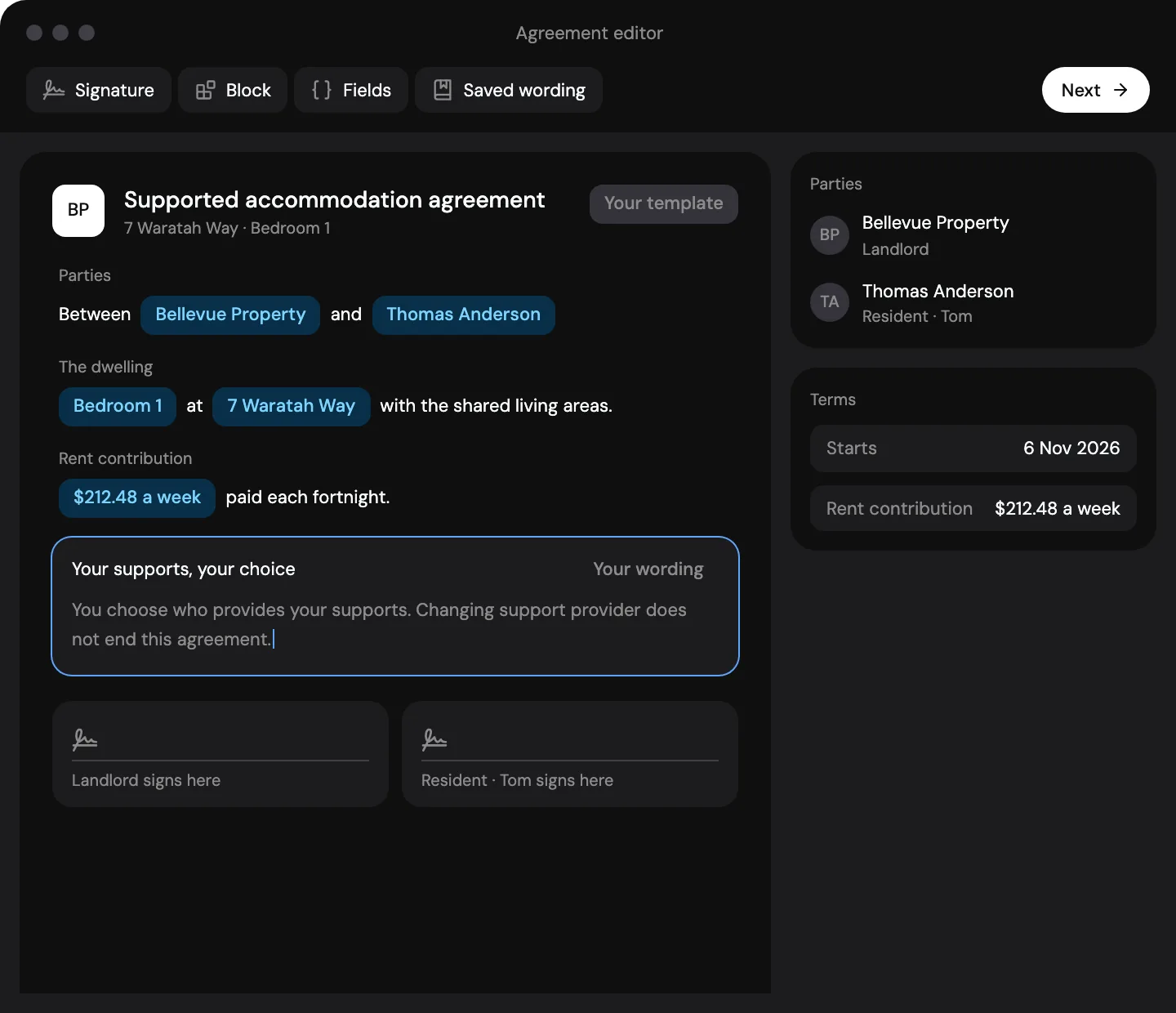
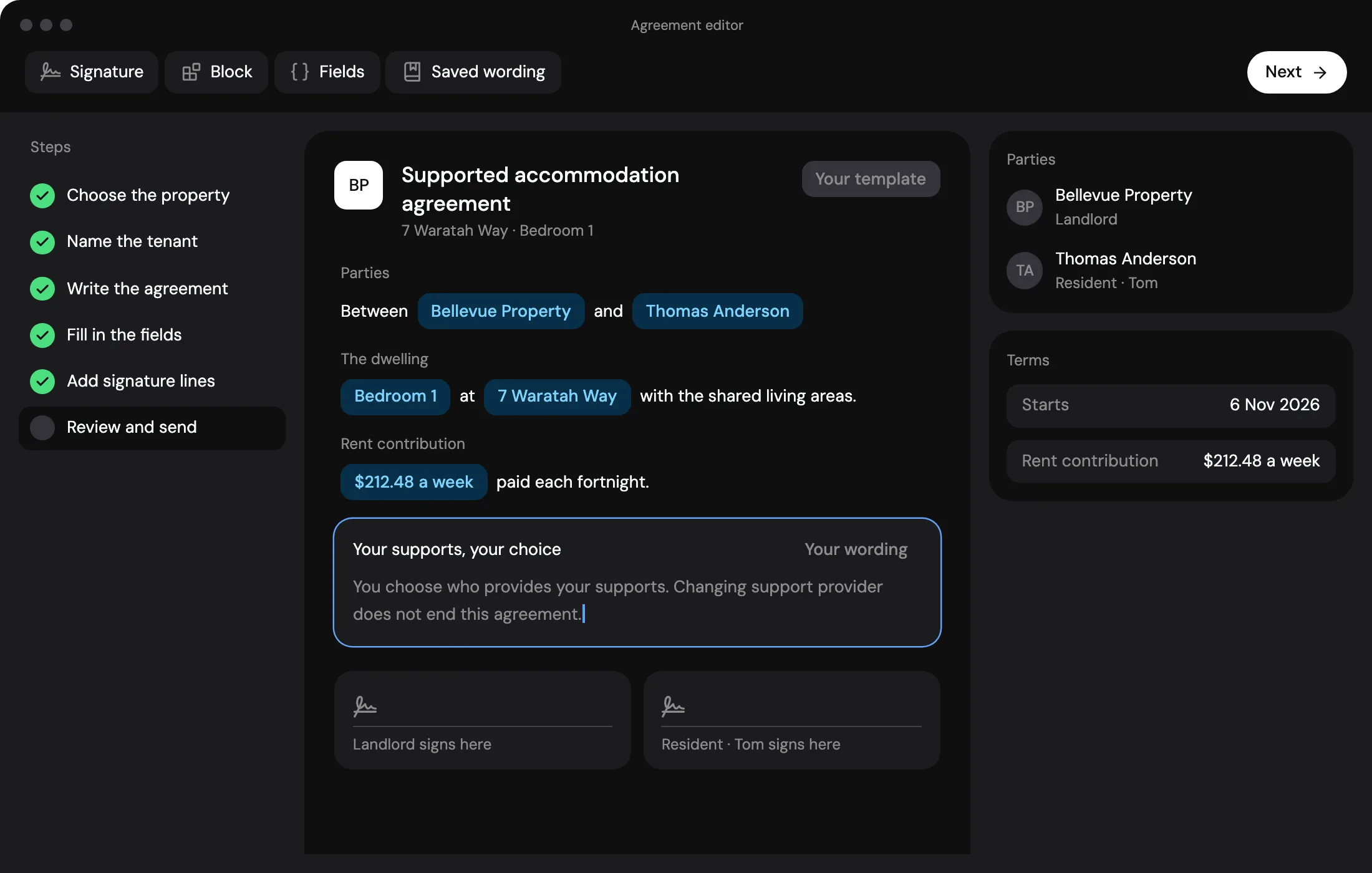
Use the NSW standard form, or build your own from clauses you have saved.
Rent contributions.Invoiced on time.
Set each resident’s contribution as their rent. Invoices are drafted for you to approve.
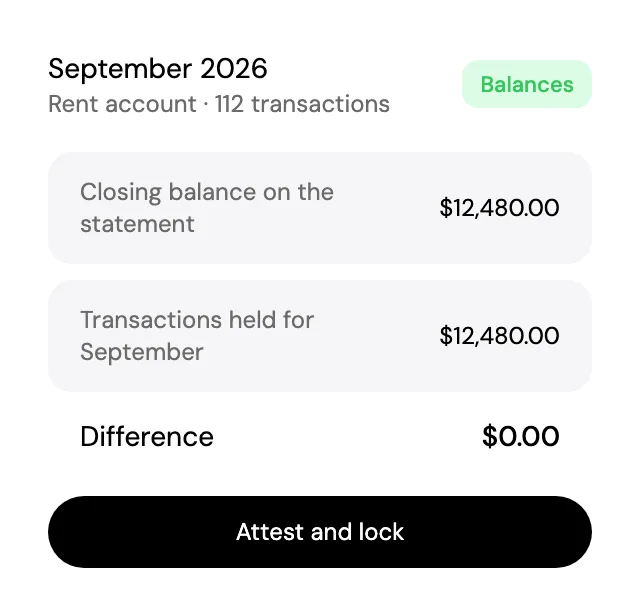
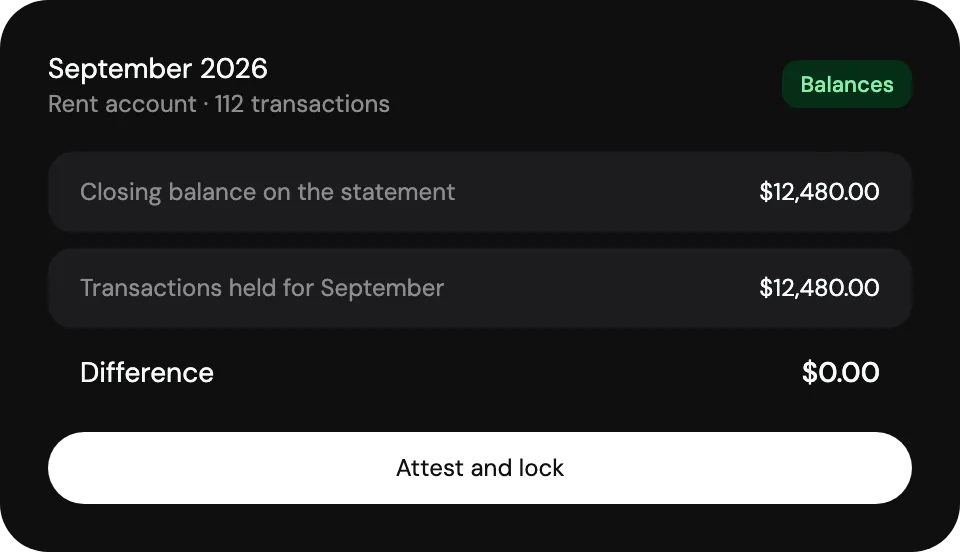
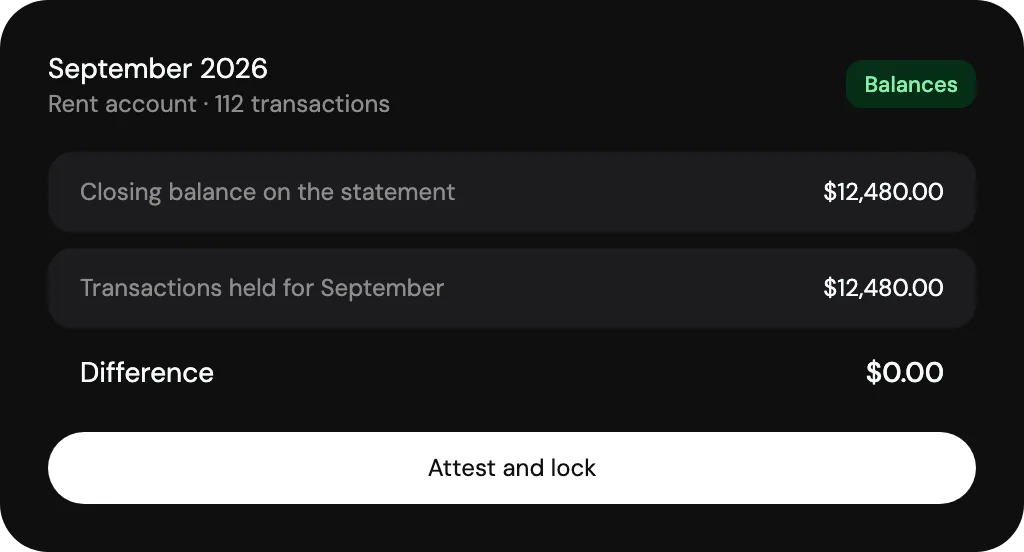
Drafted for approval. Numbered and emailed under your name.
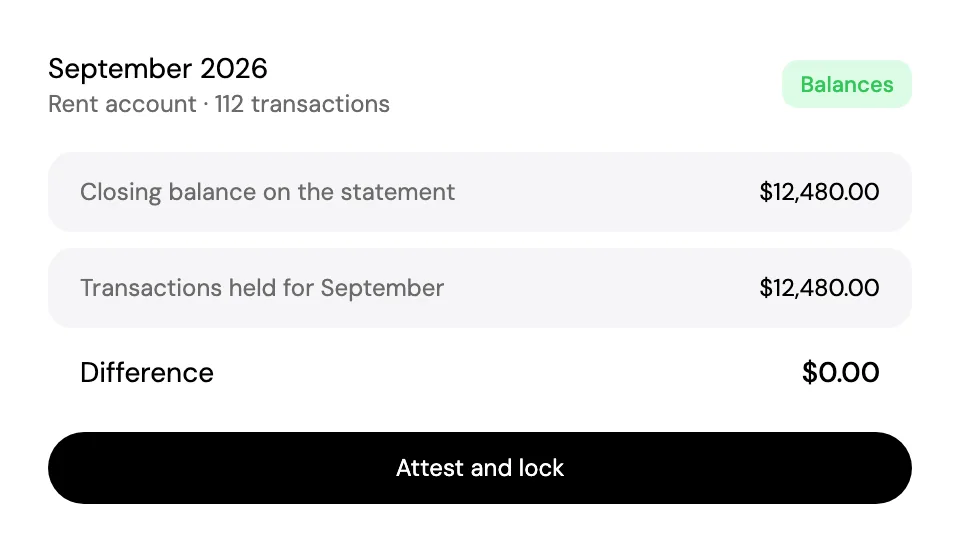
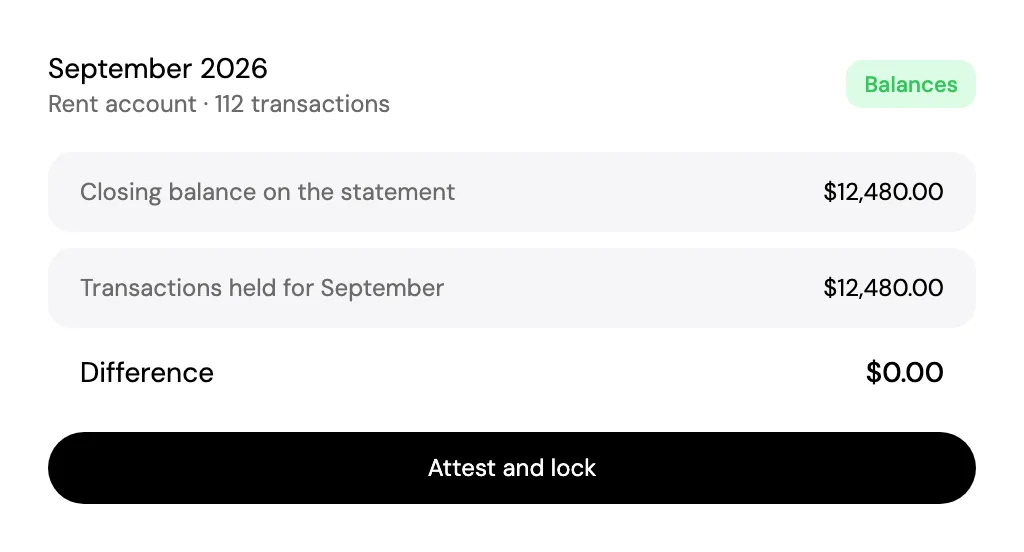
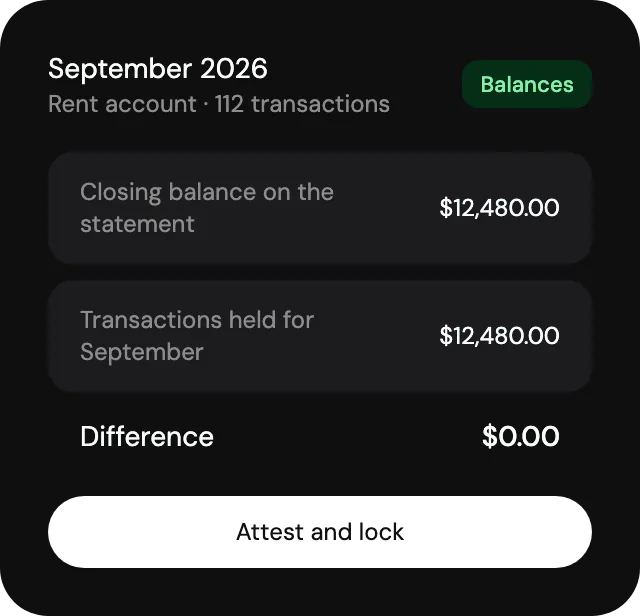
Matched to the deposit. From the statement you import.
Your figure. Enter the contribution you have set.
Add a dwelling.Every plan, every feature.
Dated photos.Settled move-outs.
Room by room, on iPhone.
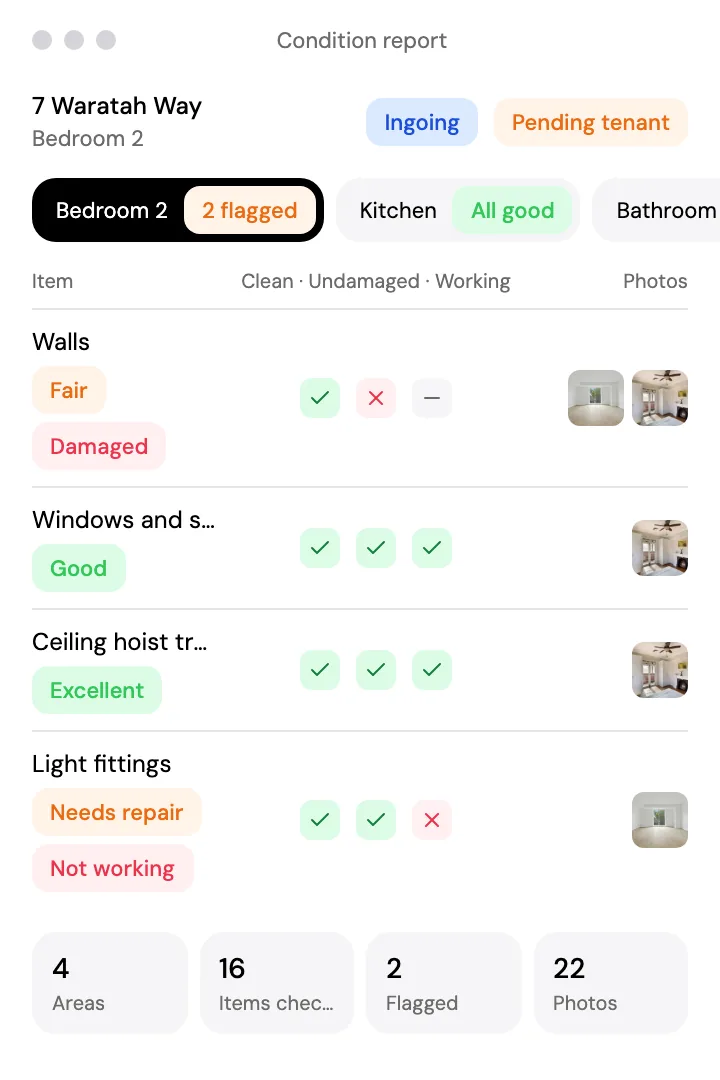
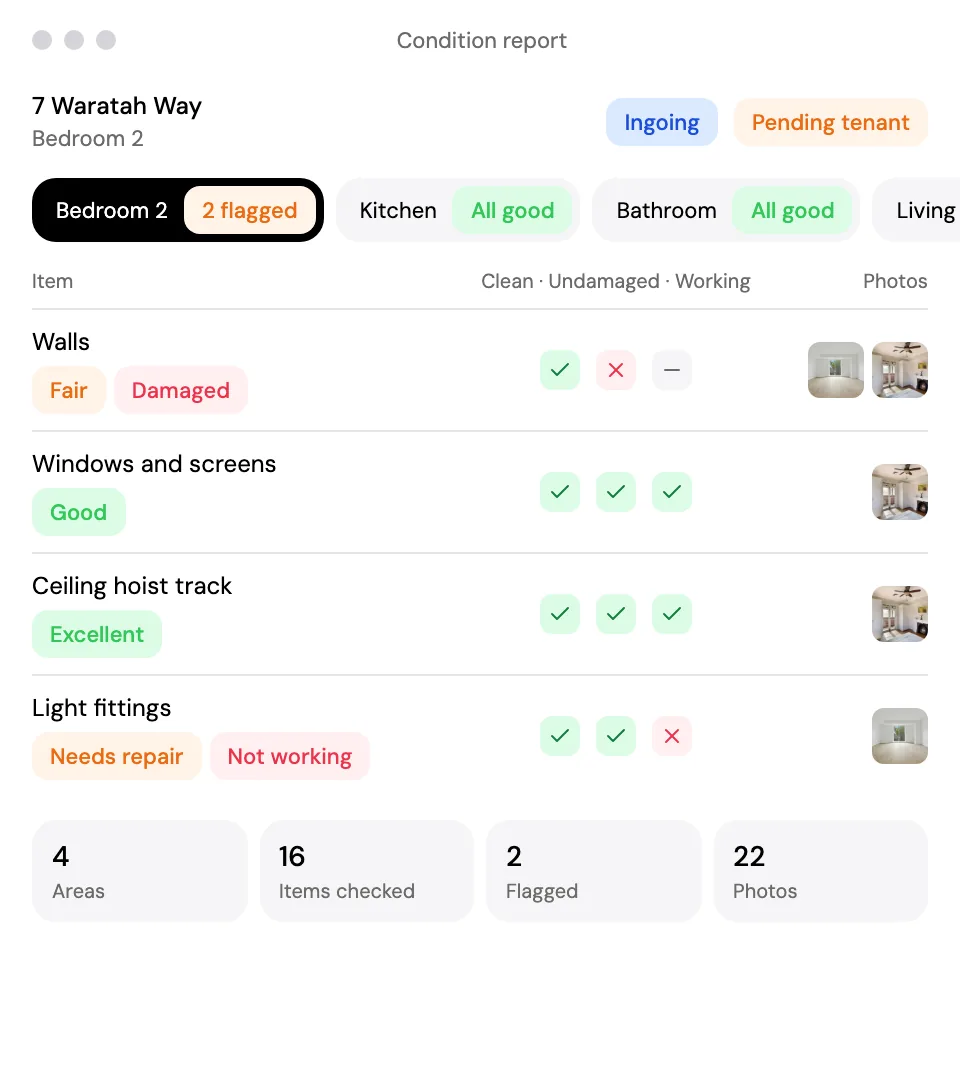
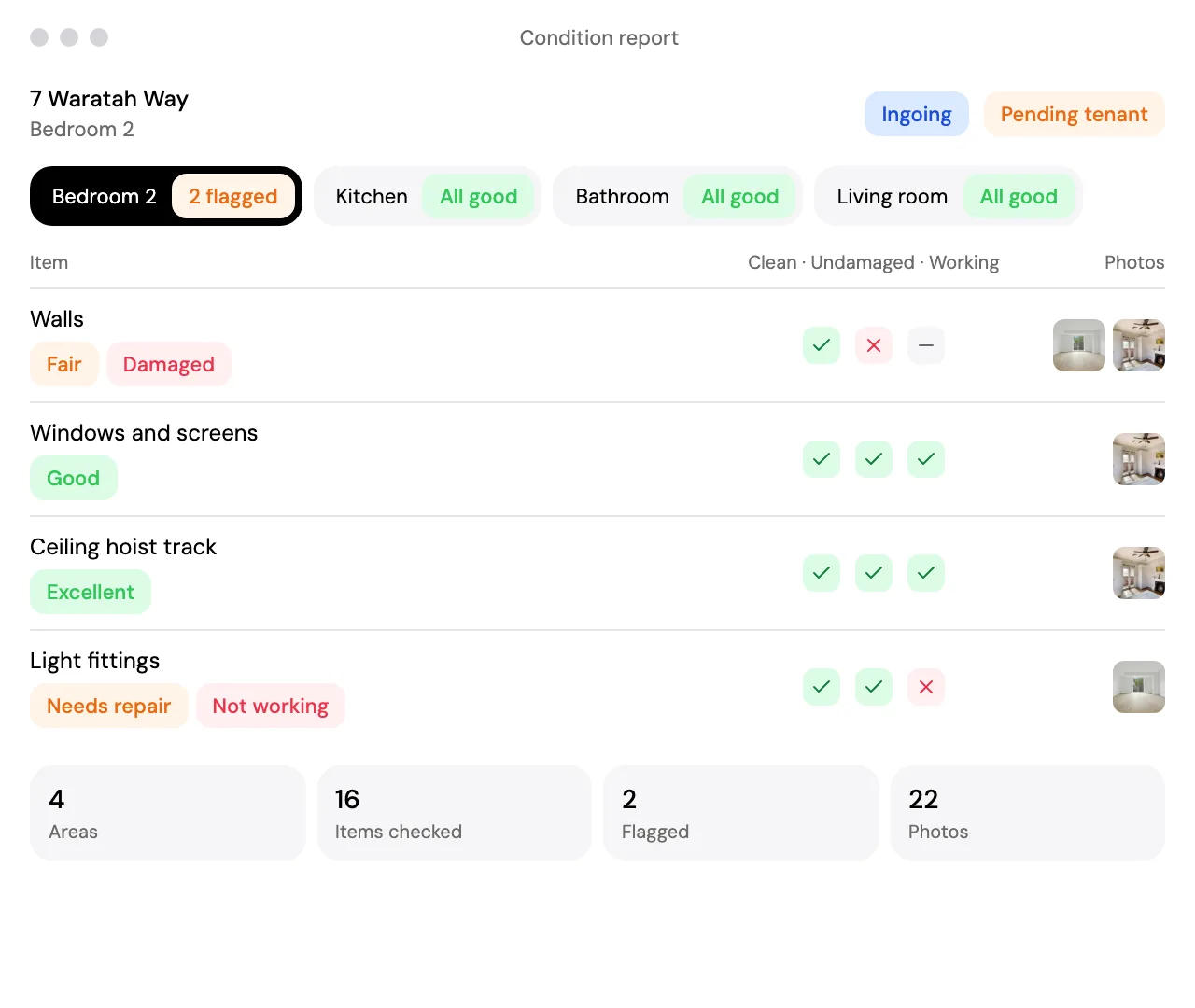
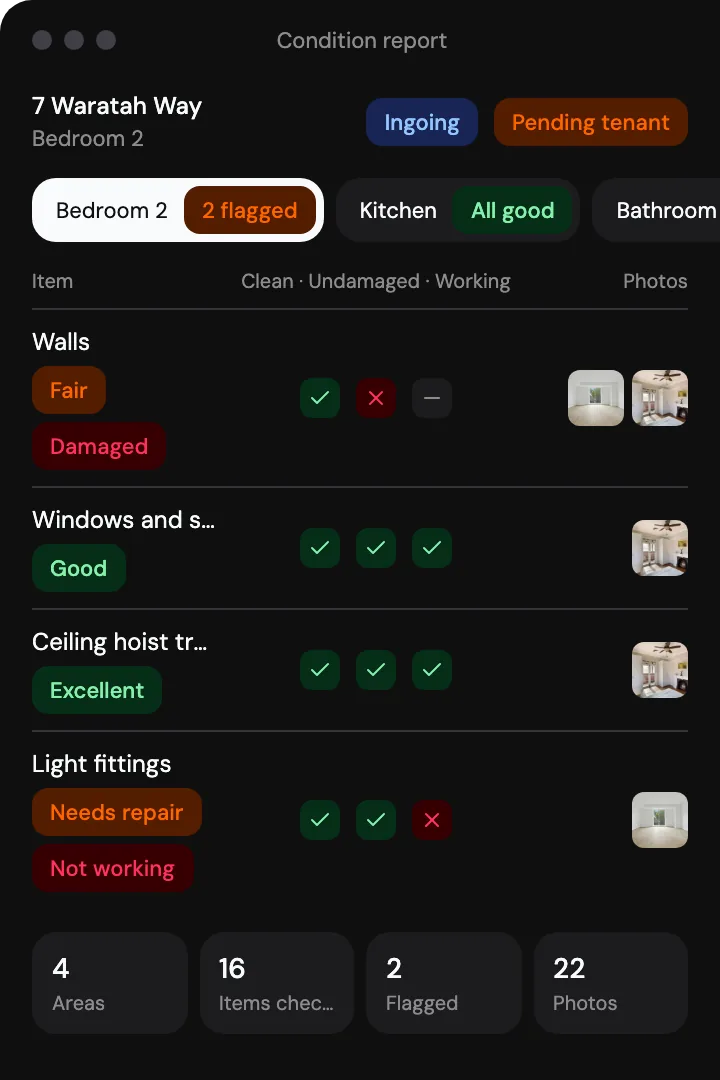
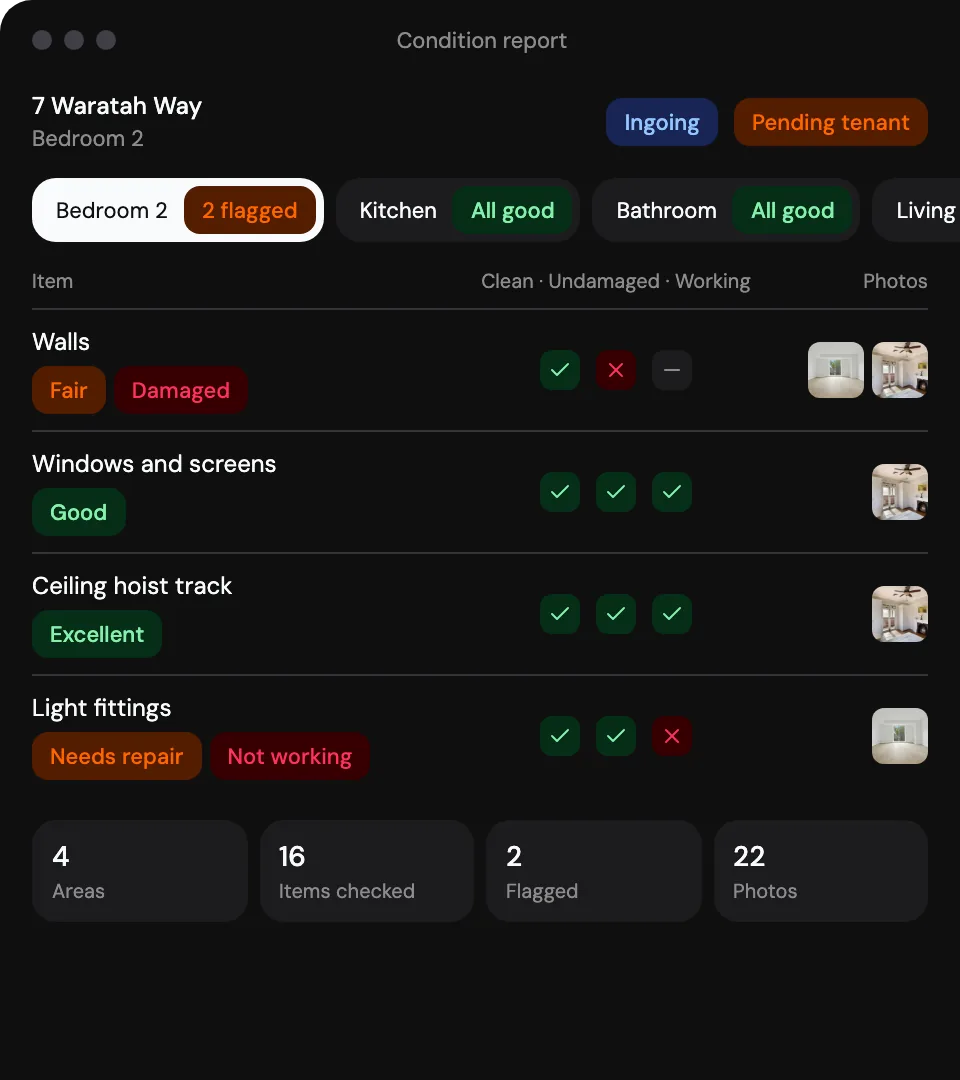
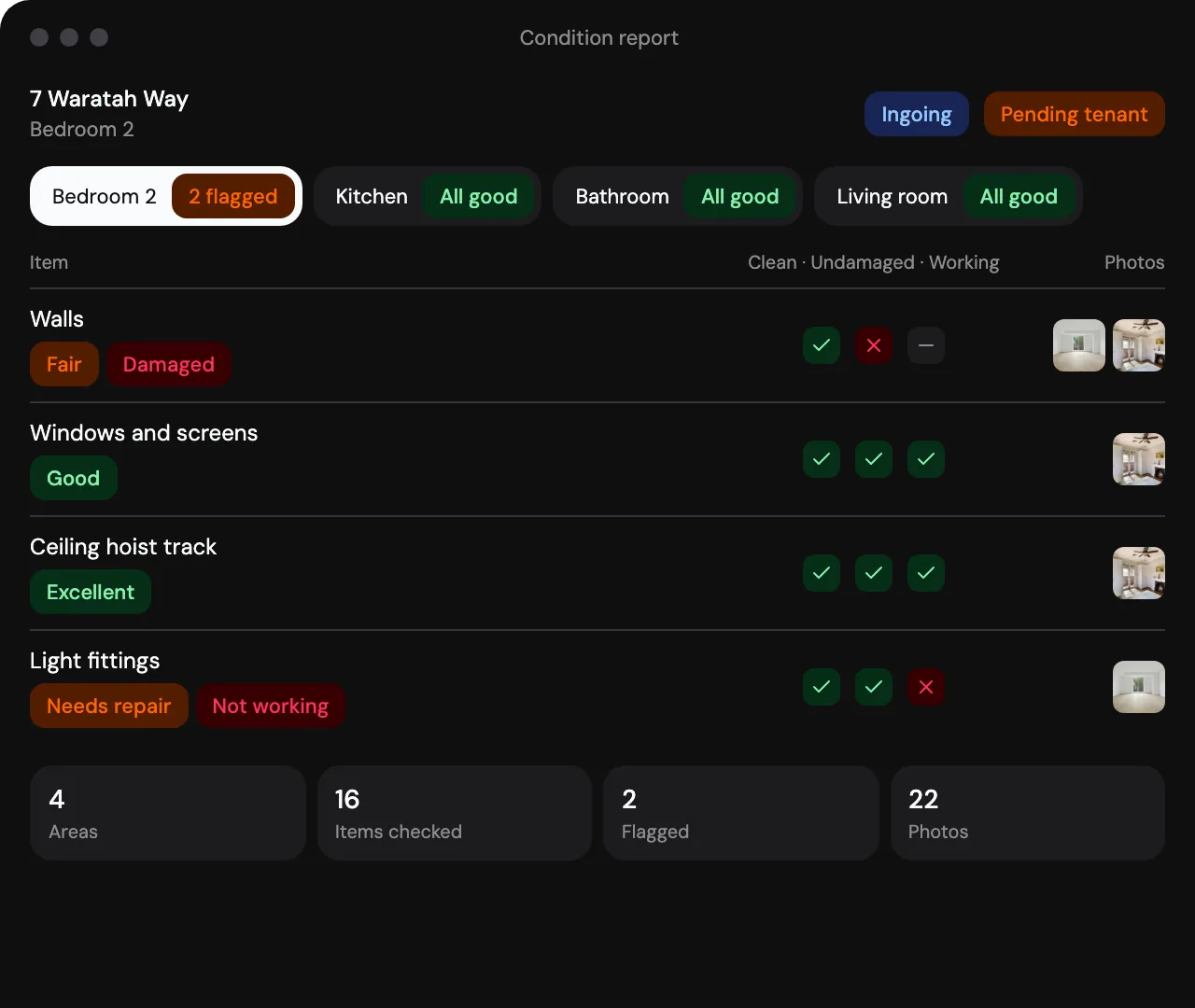
Photos on every item. Filed with the item they show.
Reviewed by the resident. Item by item, as they sign.
Ingoing, routine, outgoing. Every report kept with the dwelling.
Every record dated.Easy to find.
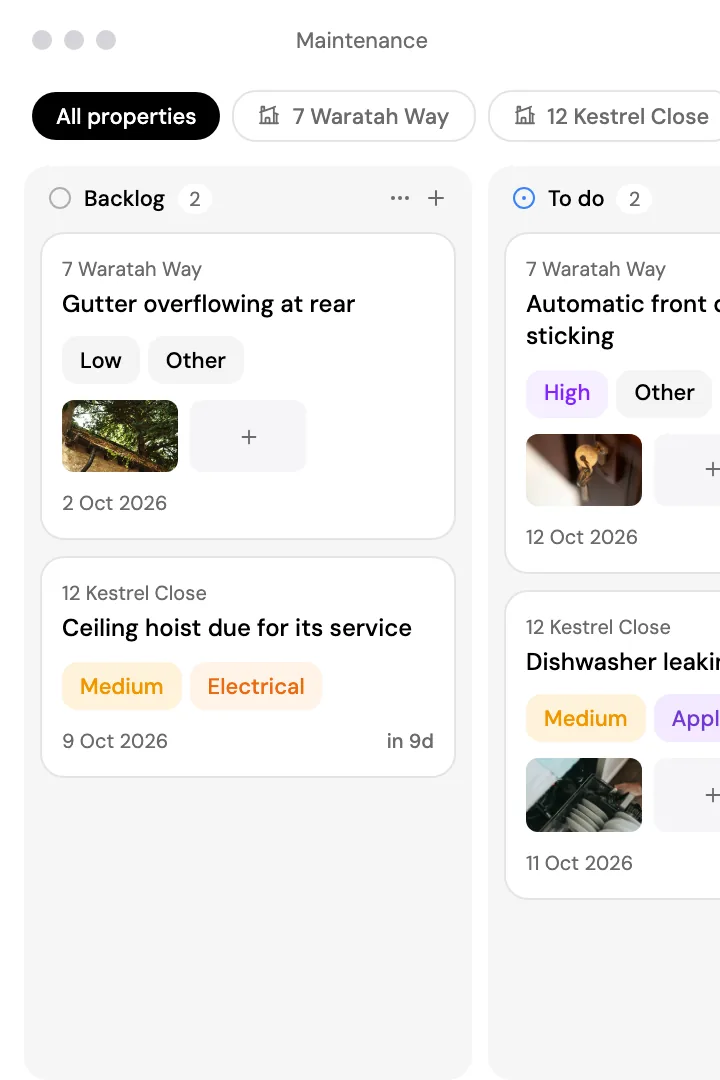
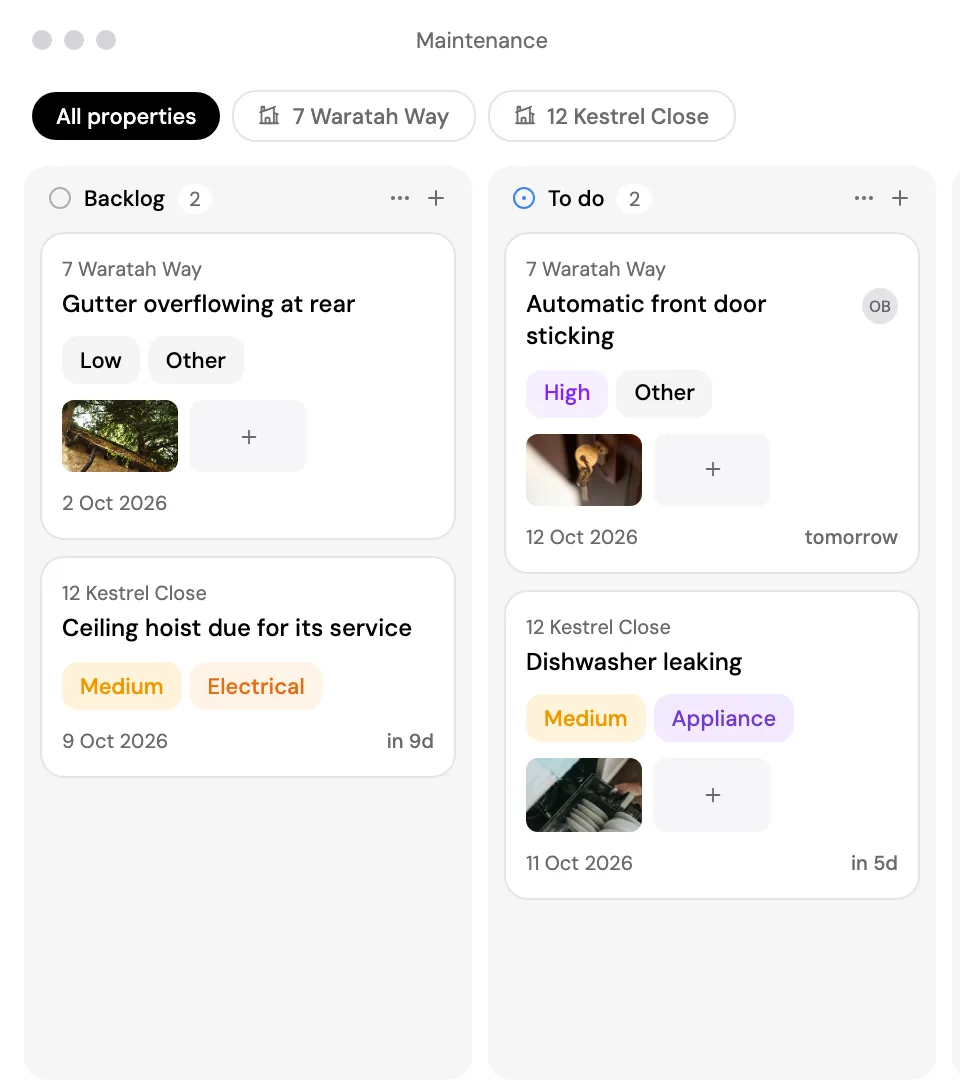
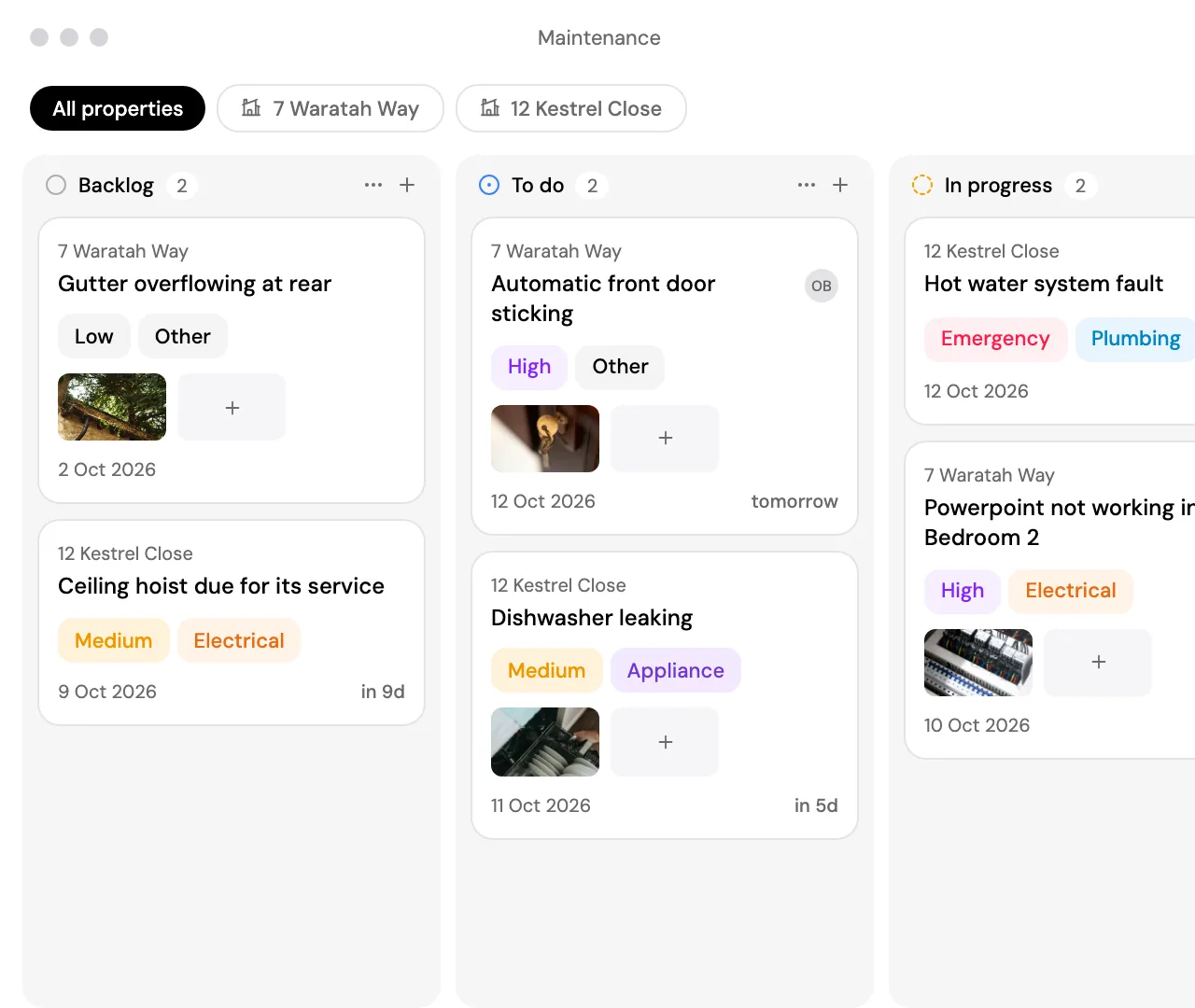
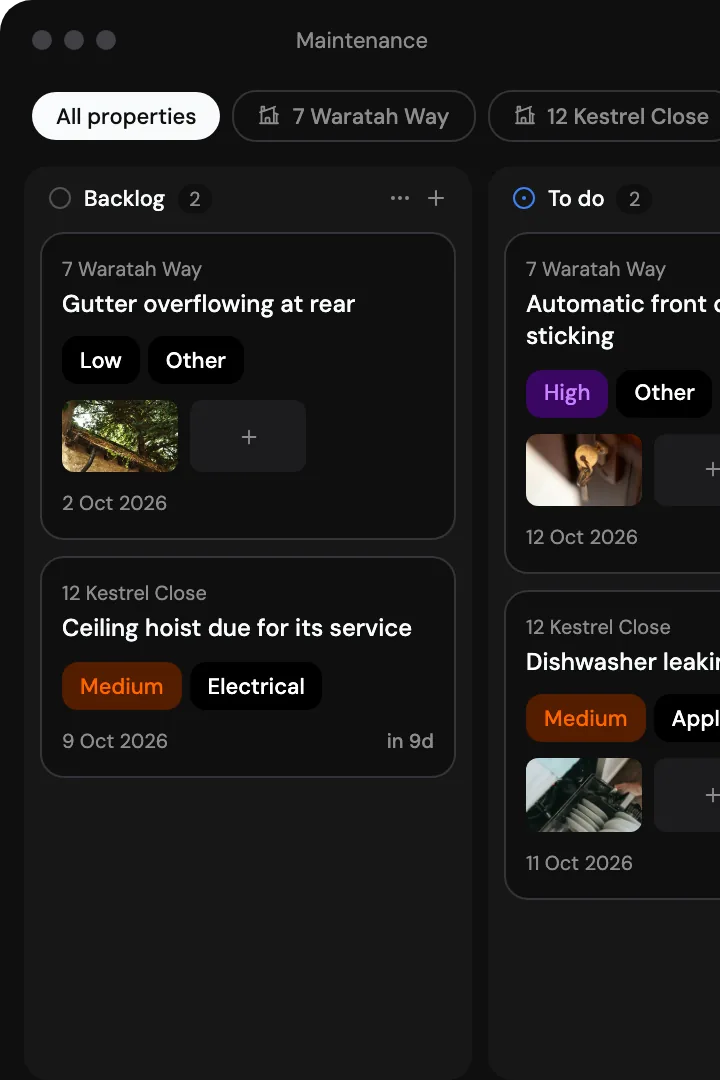
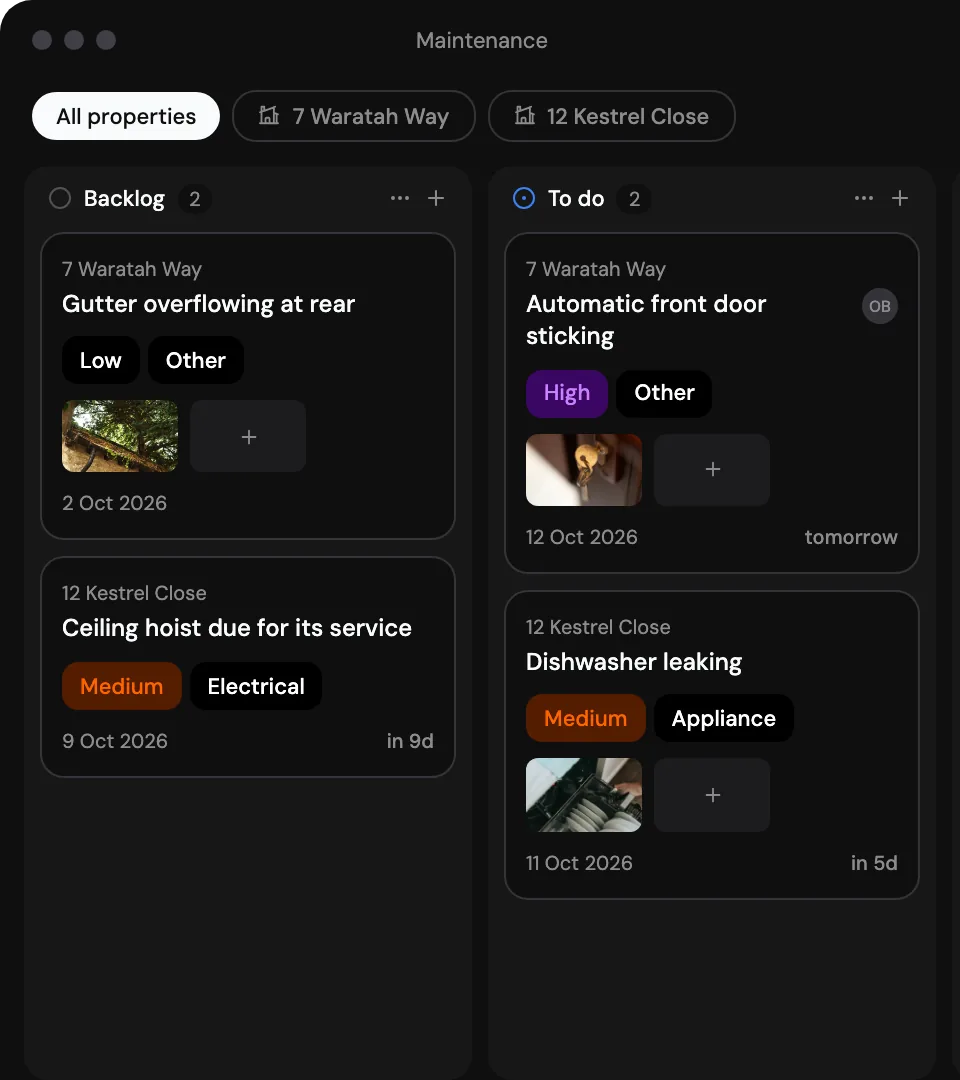
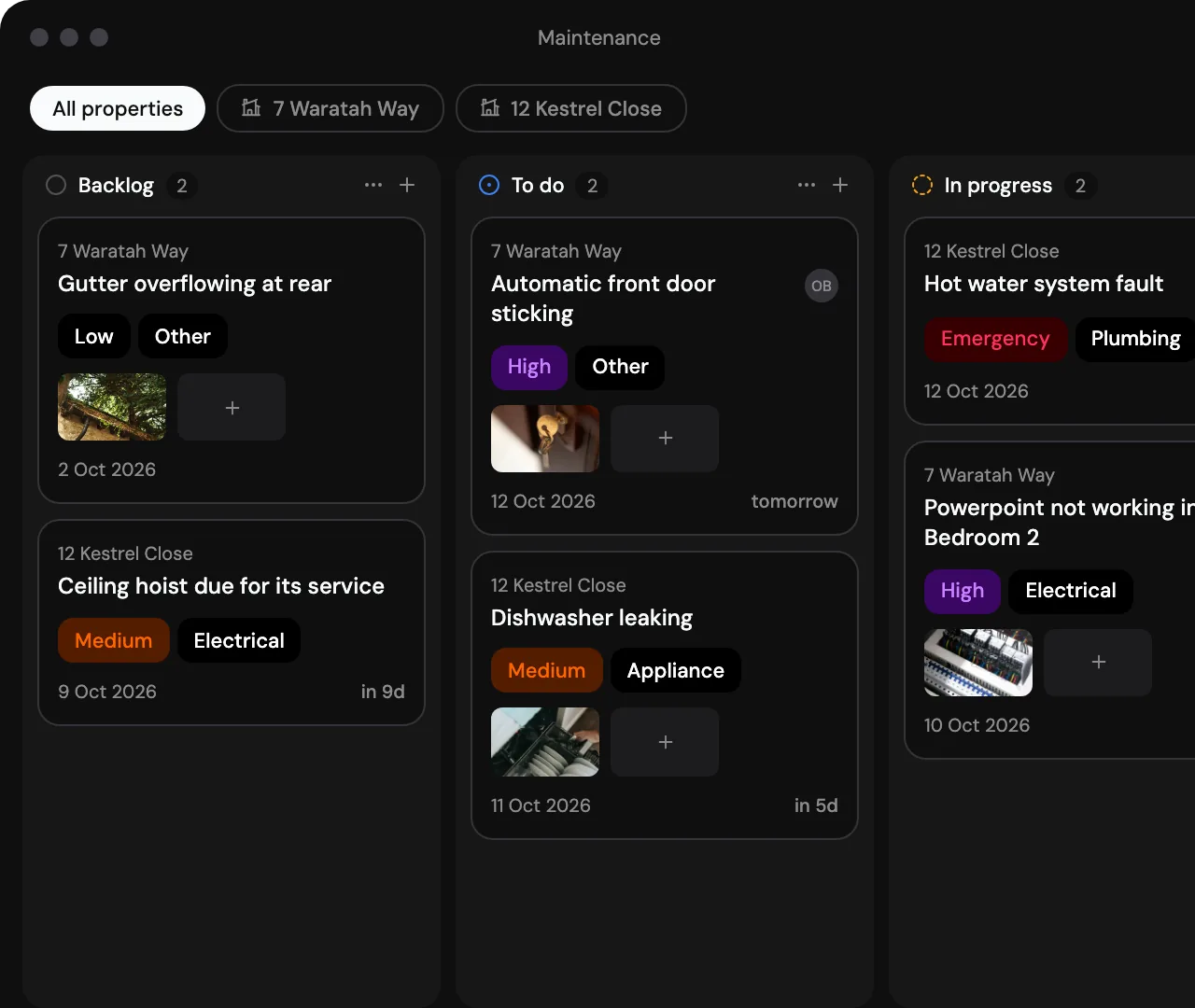
Every repair on one board from a sticking door to a hoist due for its service
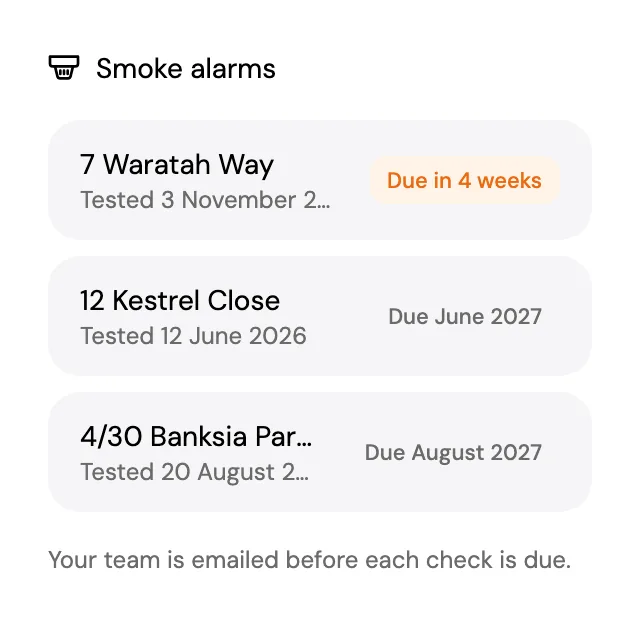
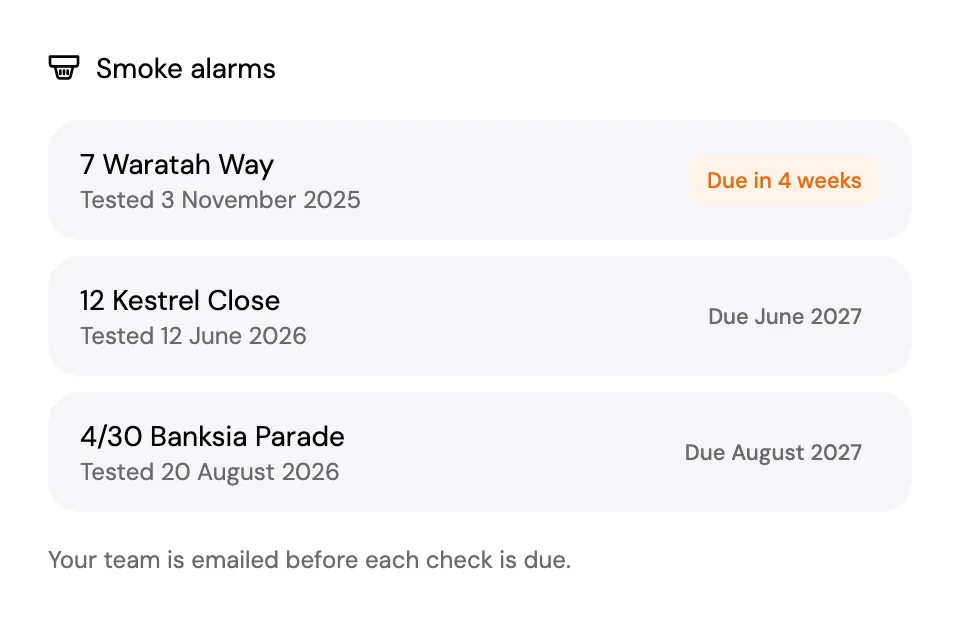
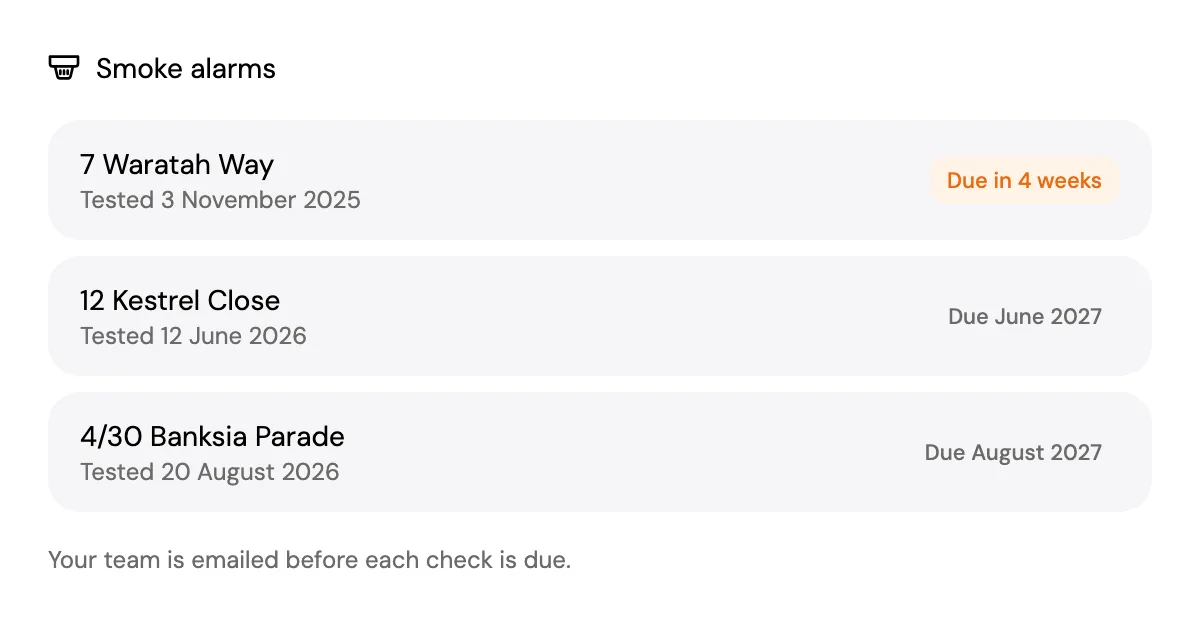
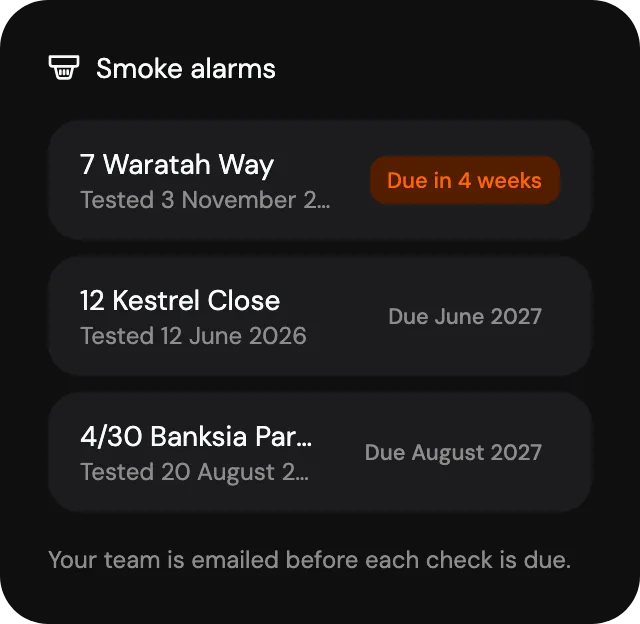
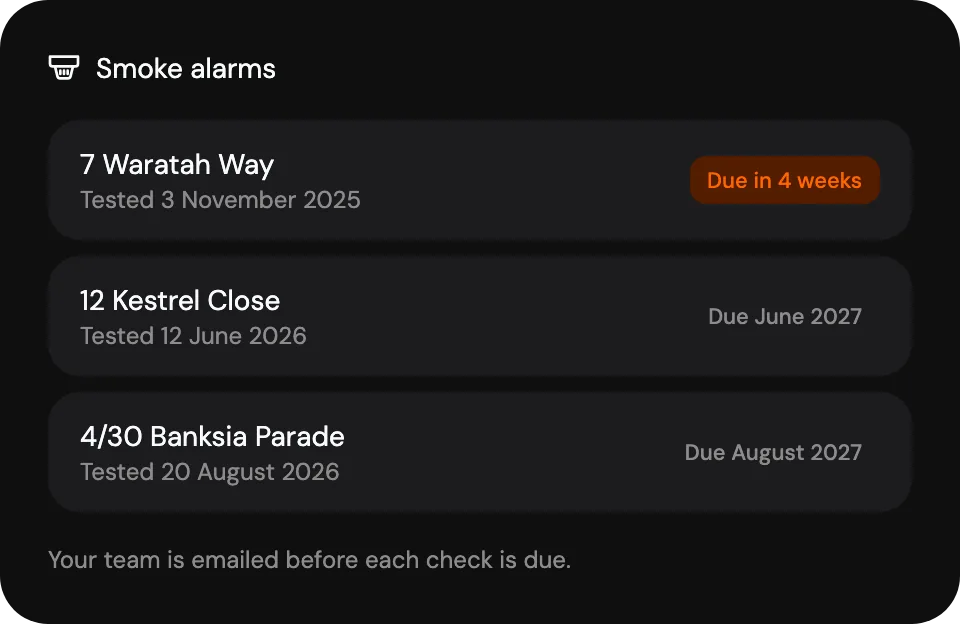
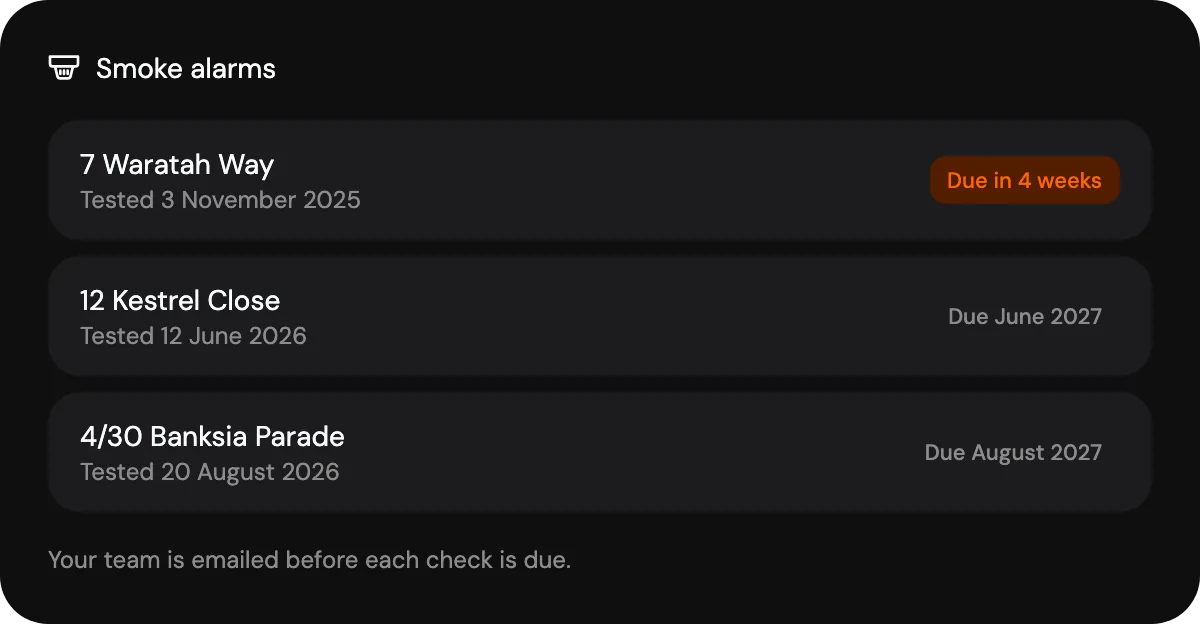
Smoke alarm checks with an email before each yearly test
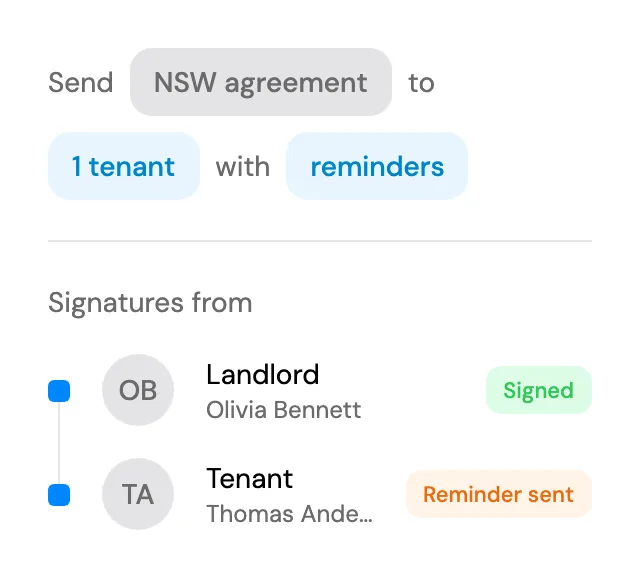
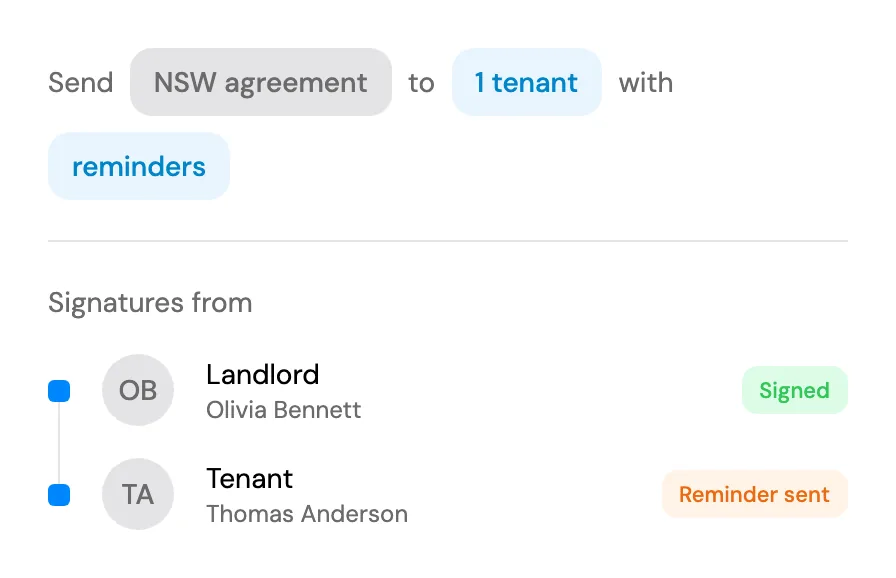
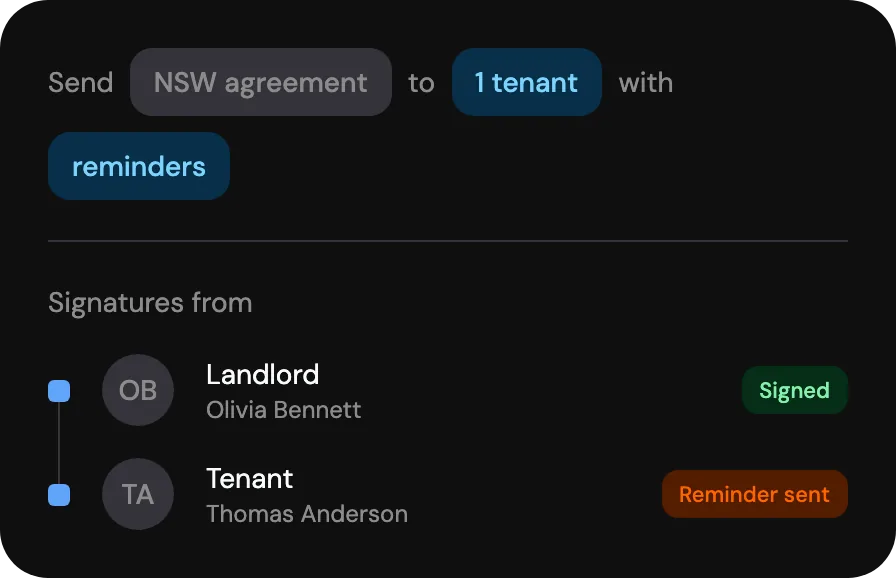
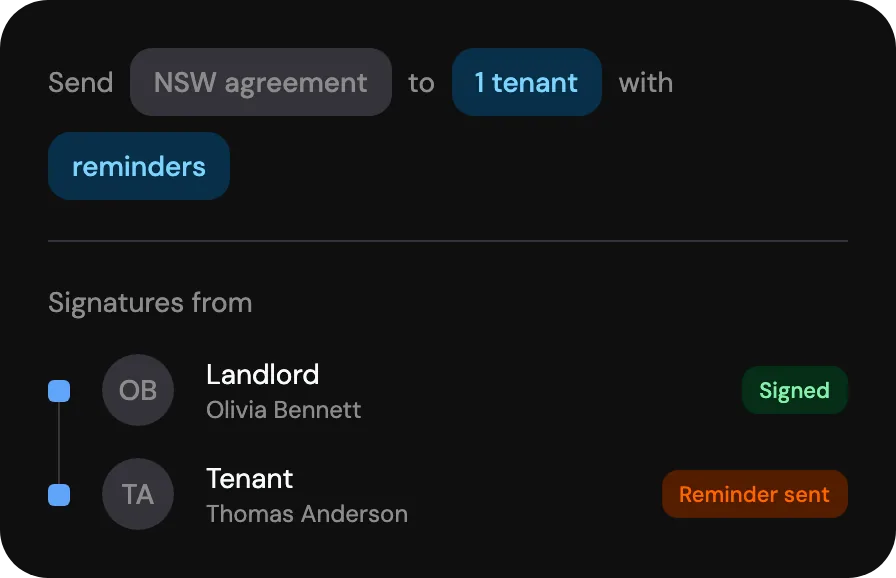
Who has signed and who has a reminder on the way
A vacancy.Filled from a link.
Give support coordinators the short link to your application form.
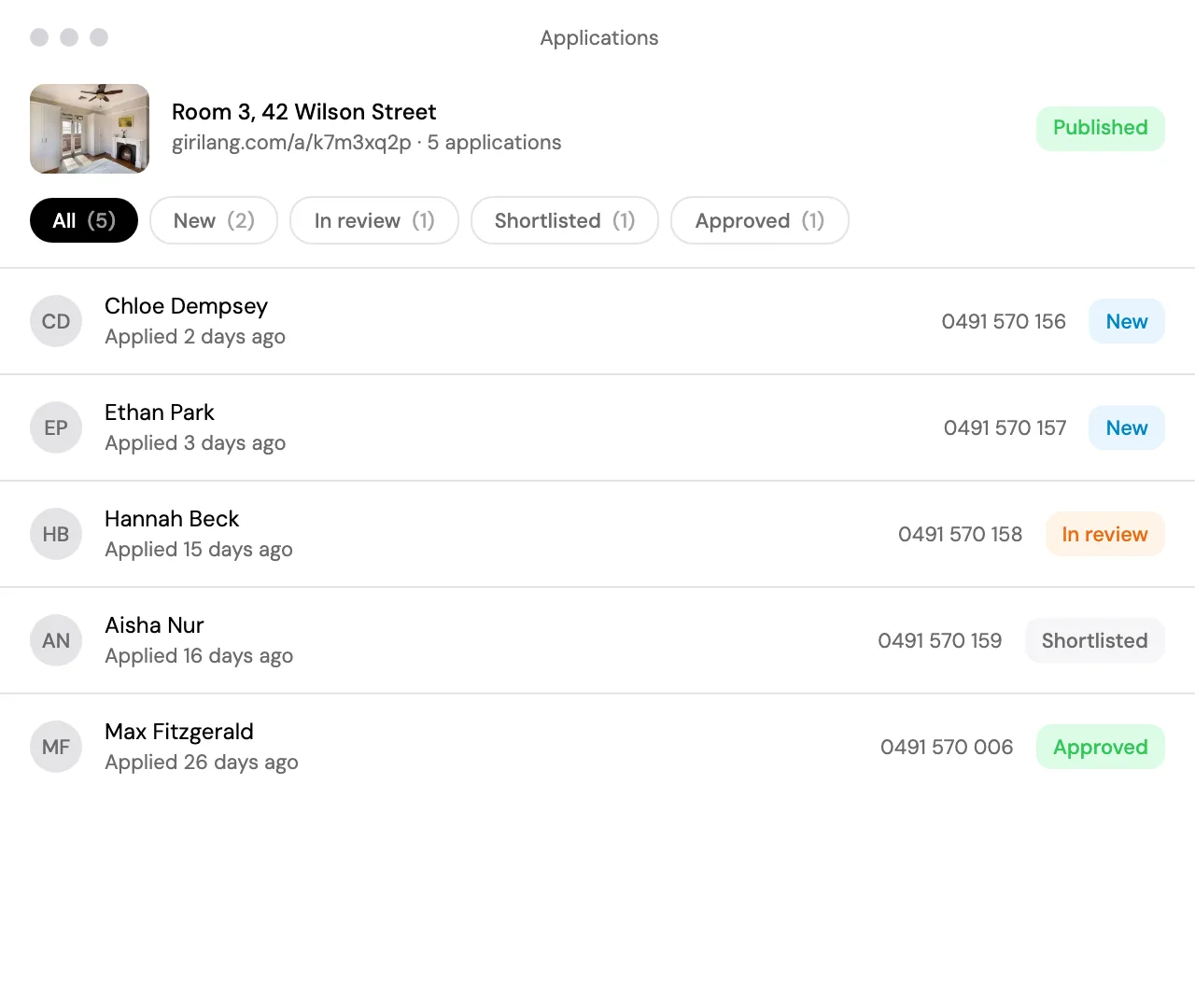
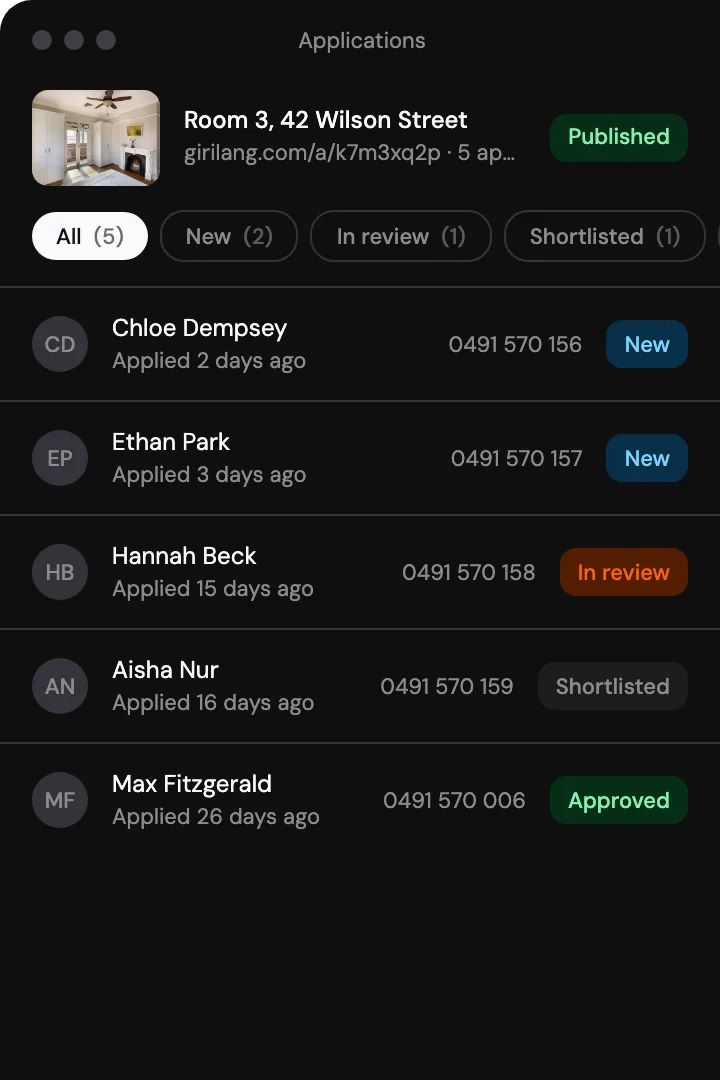
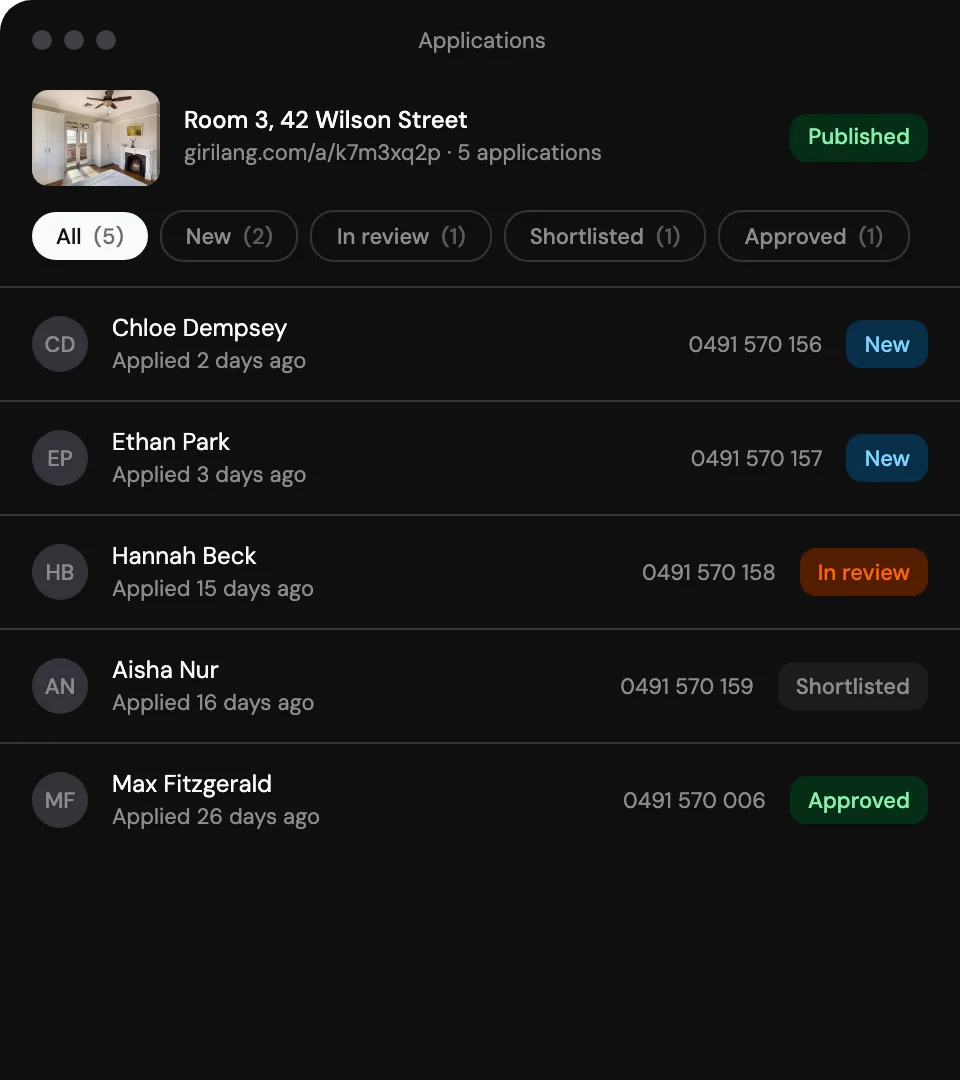
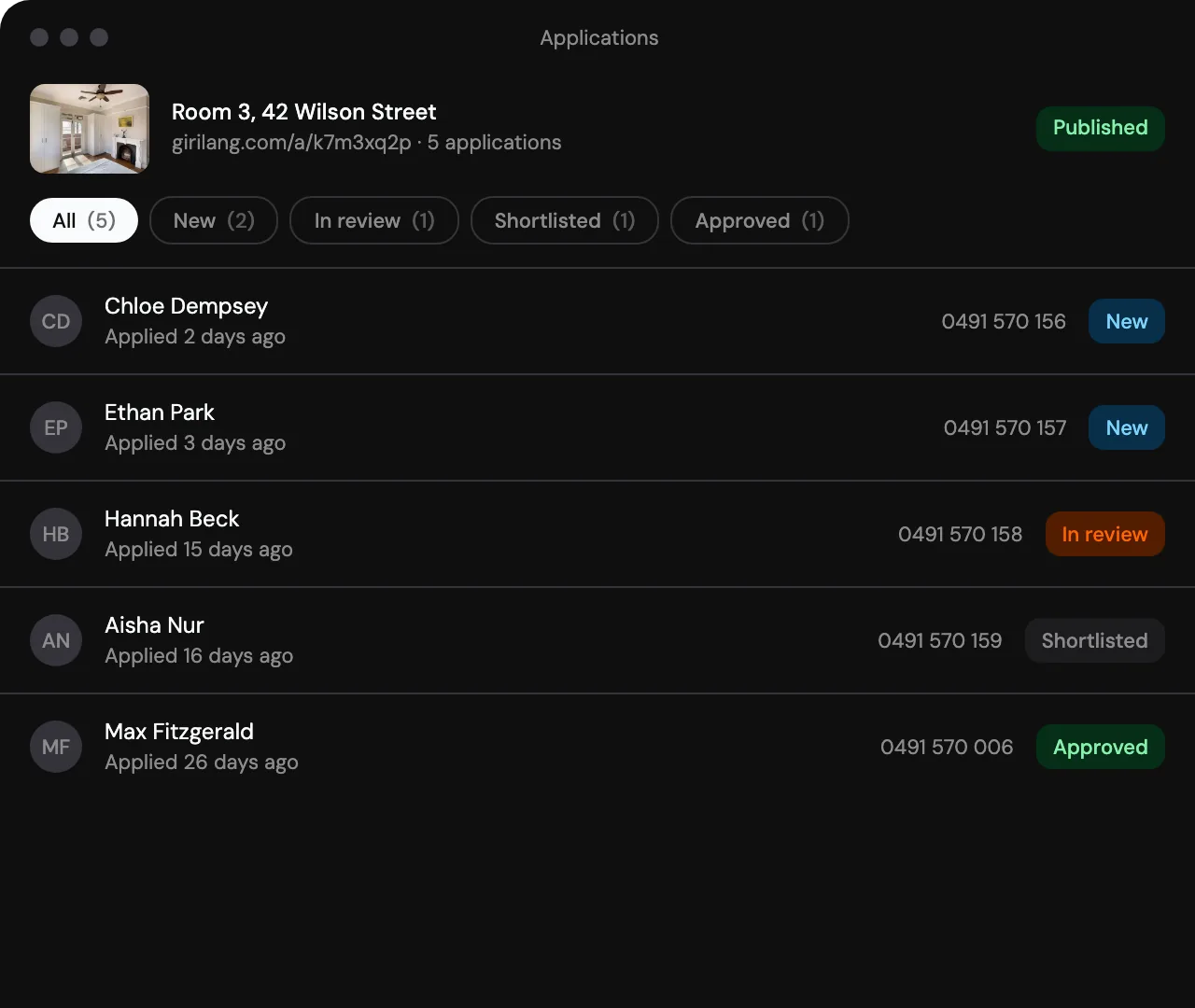
Your own questions. Answered on a phone, with no account.
List it where you do now. SDA Finder or Housing Hub, with your link.
Added as a resident. With the details they already gave.
Coordinators. Families.One inbox.
Write to anyone under your organisation’s name, one thread each.
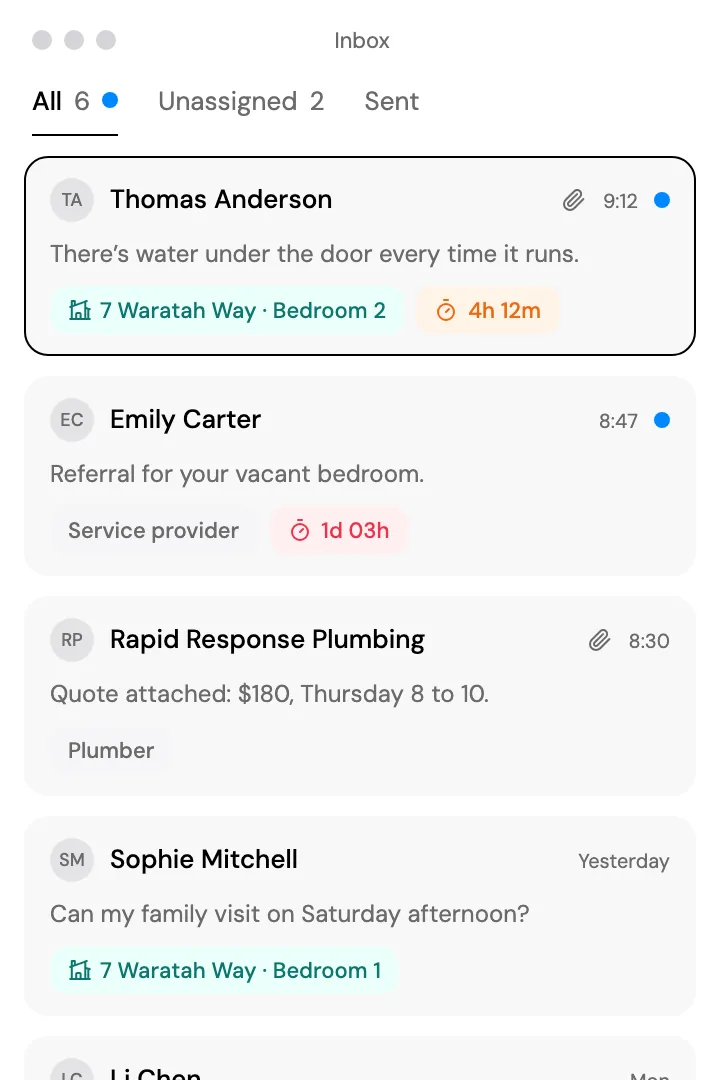
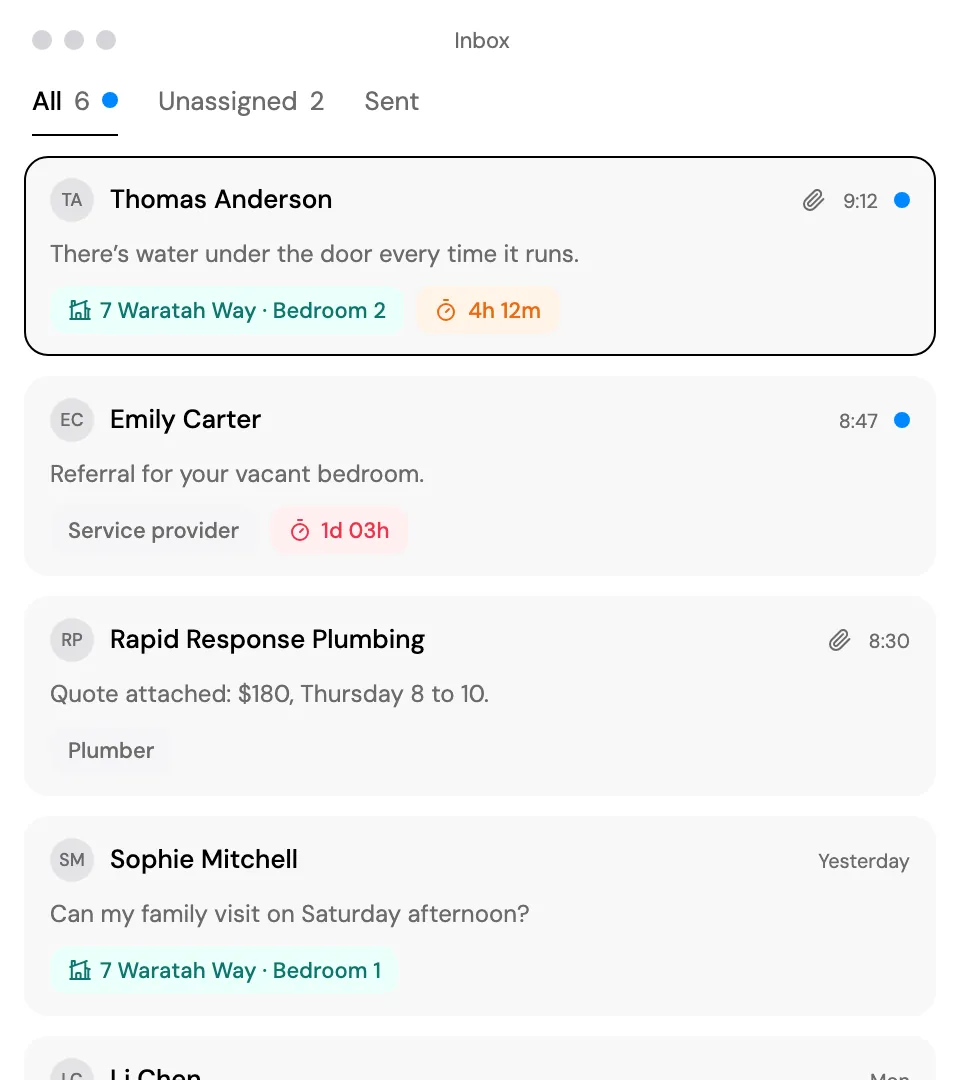
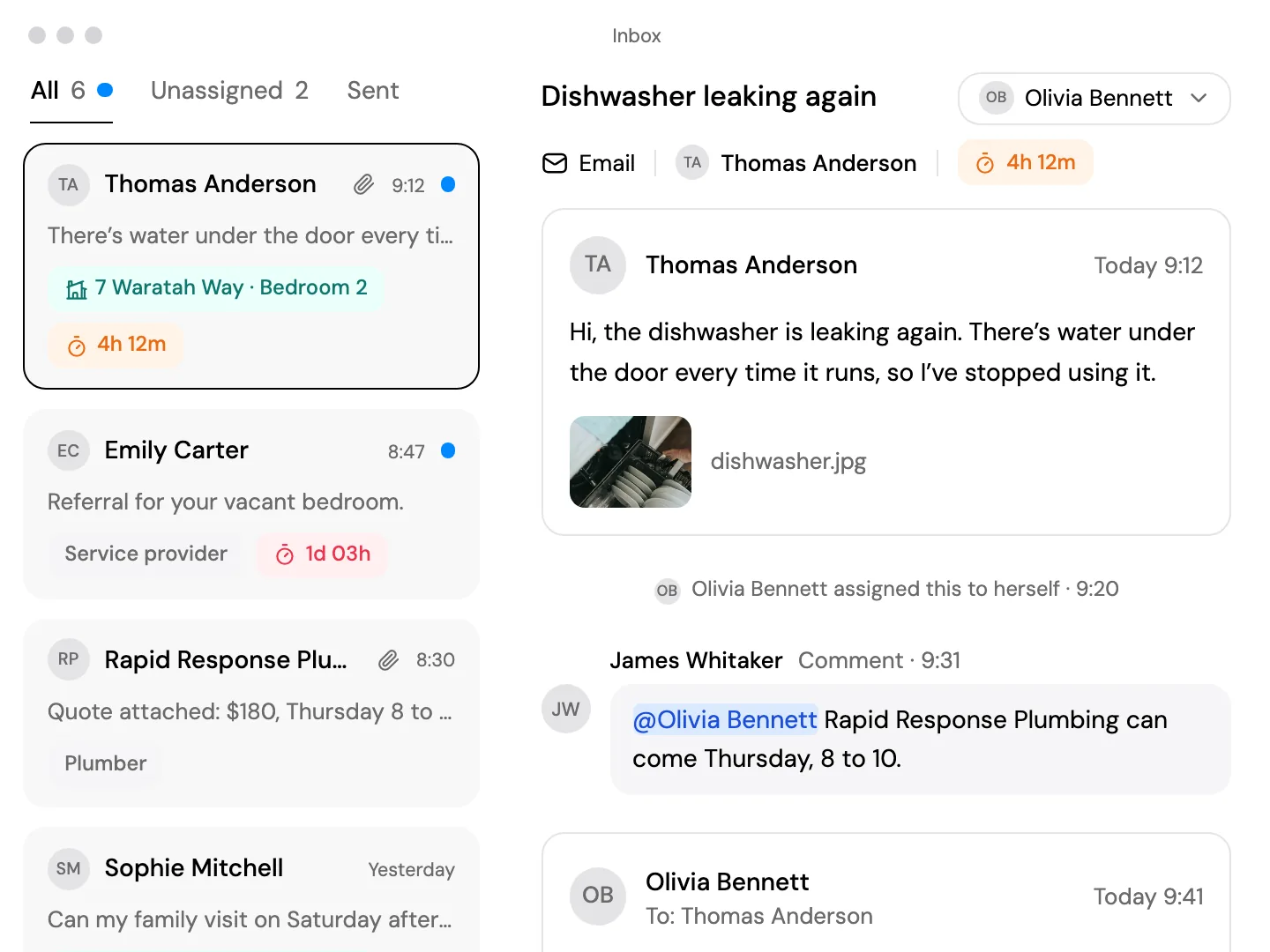
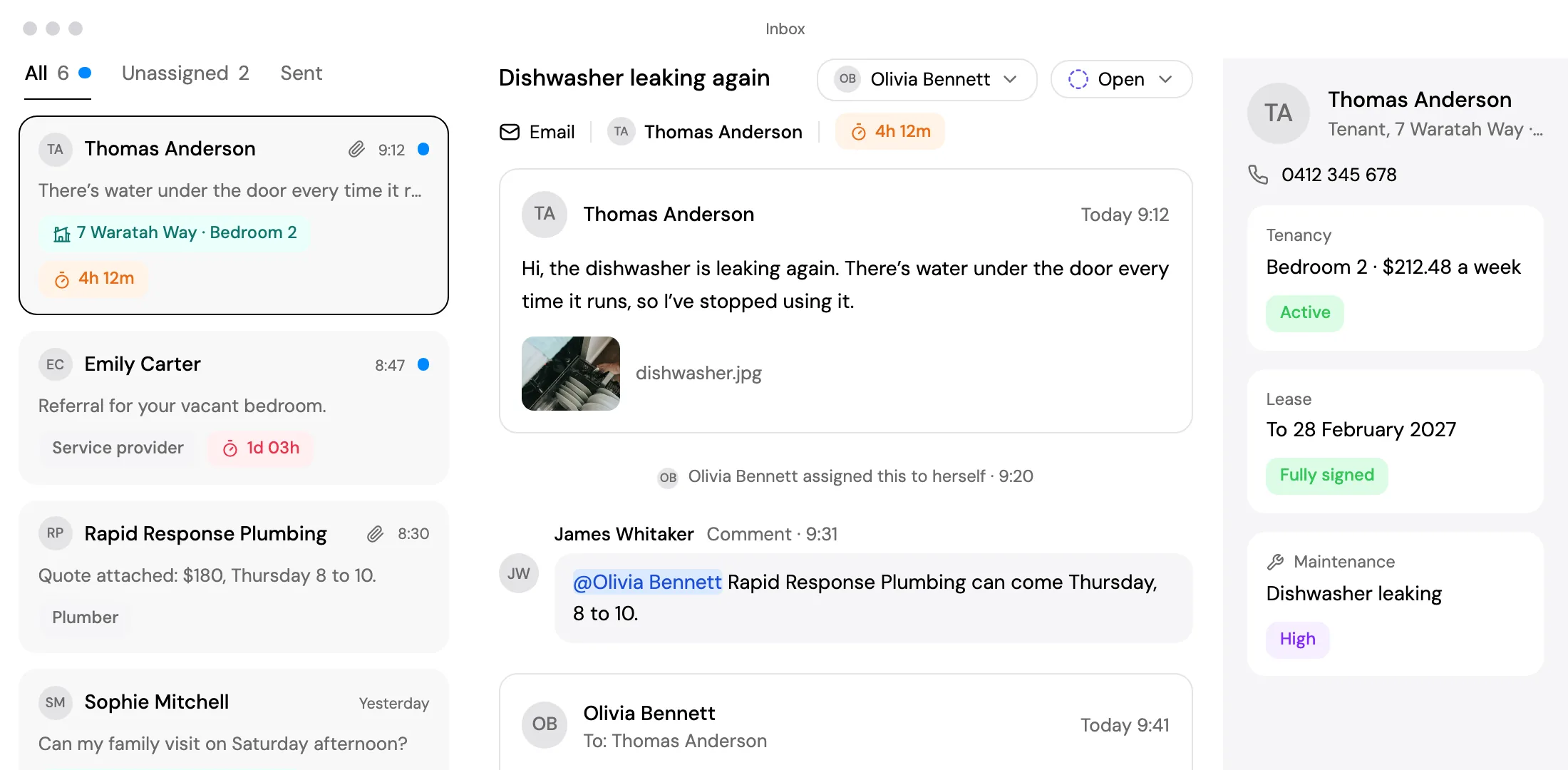
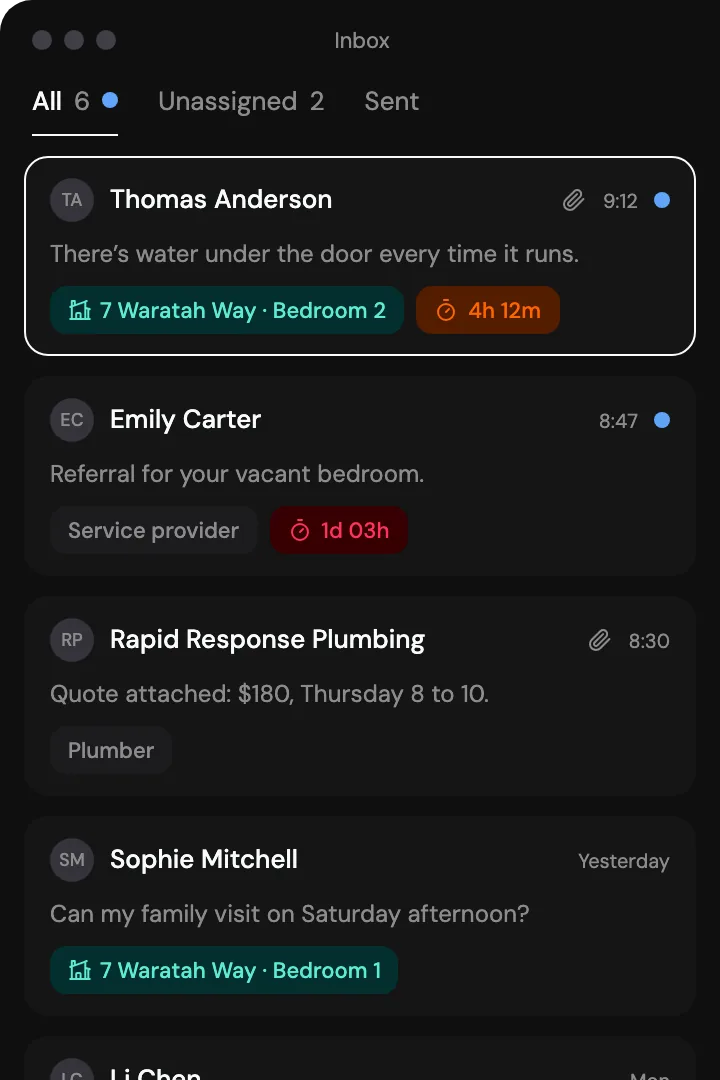
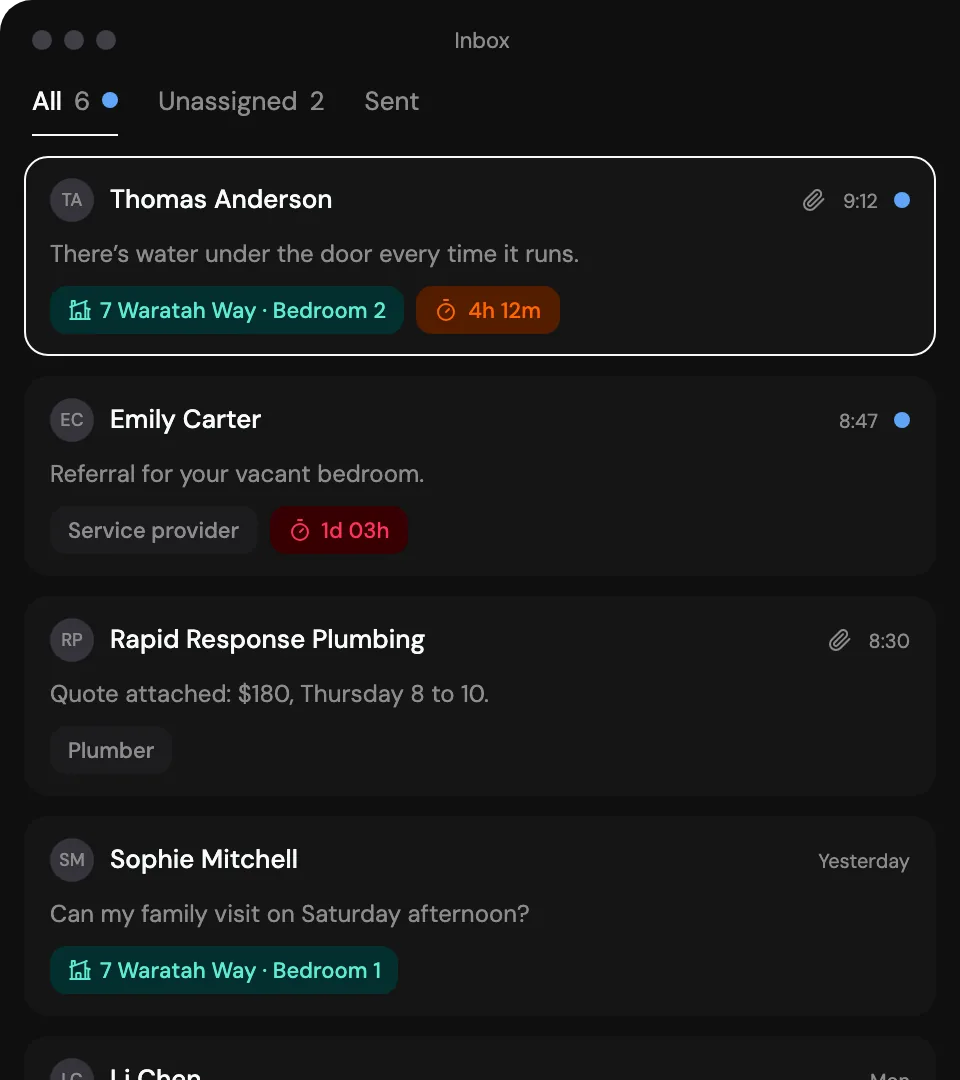
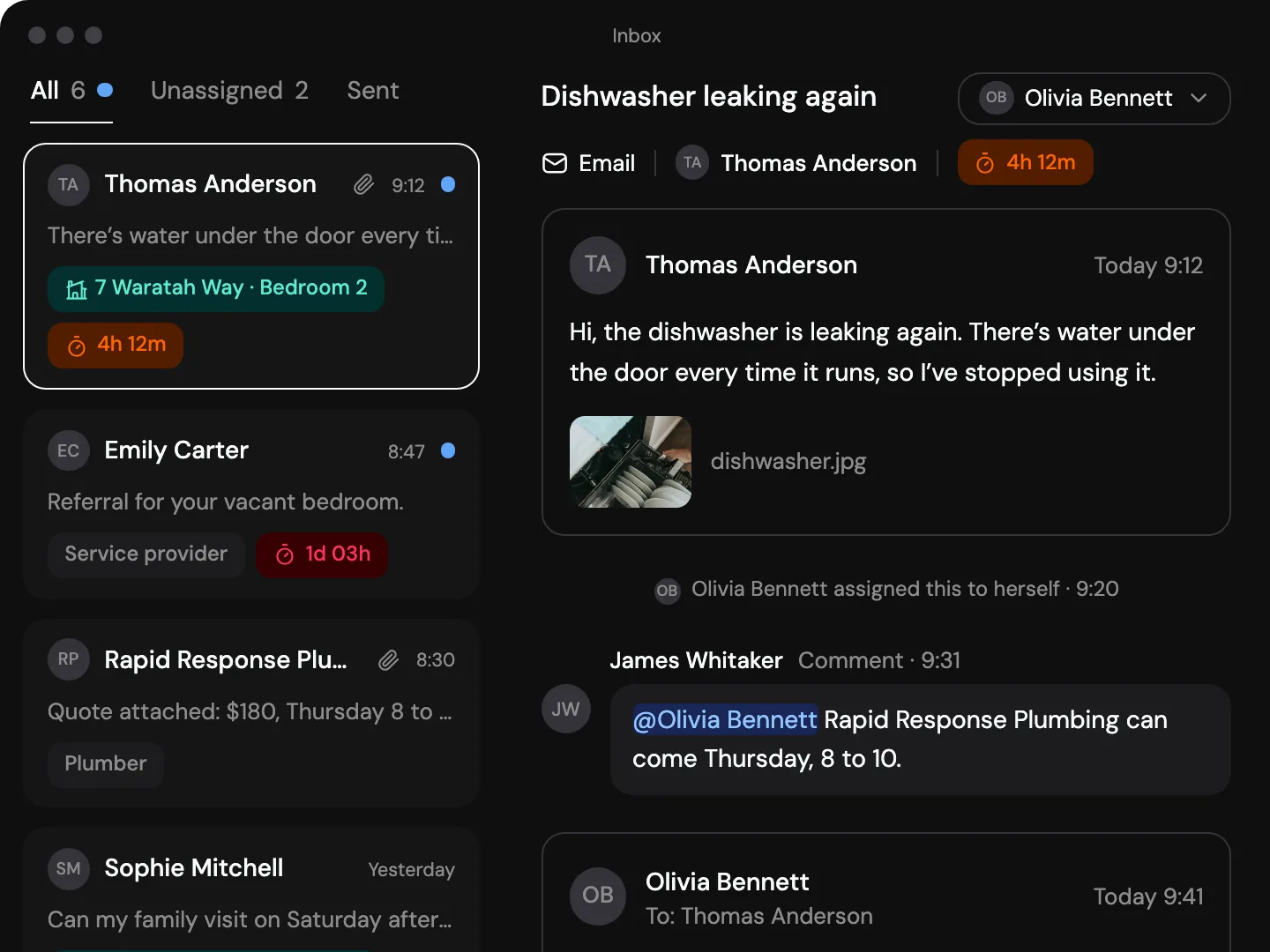
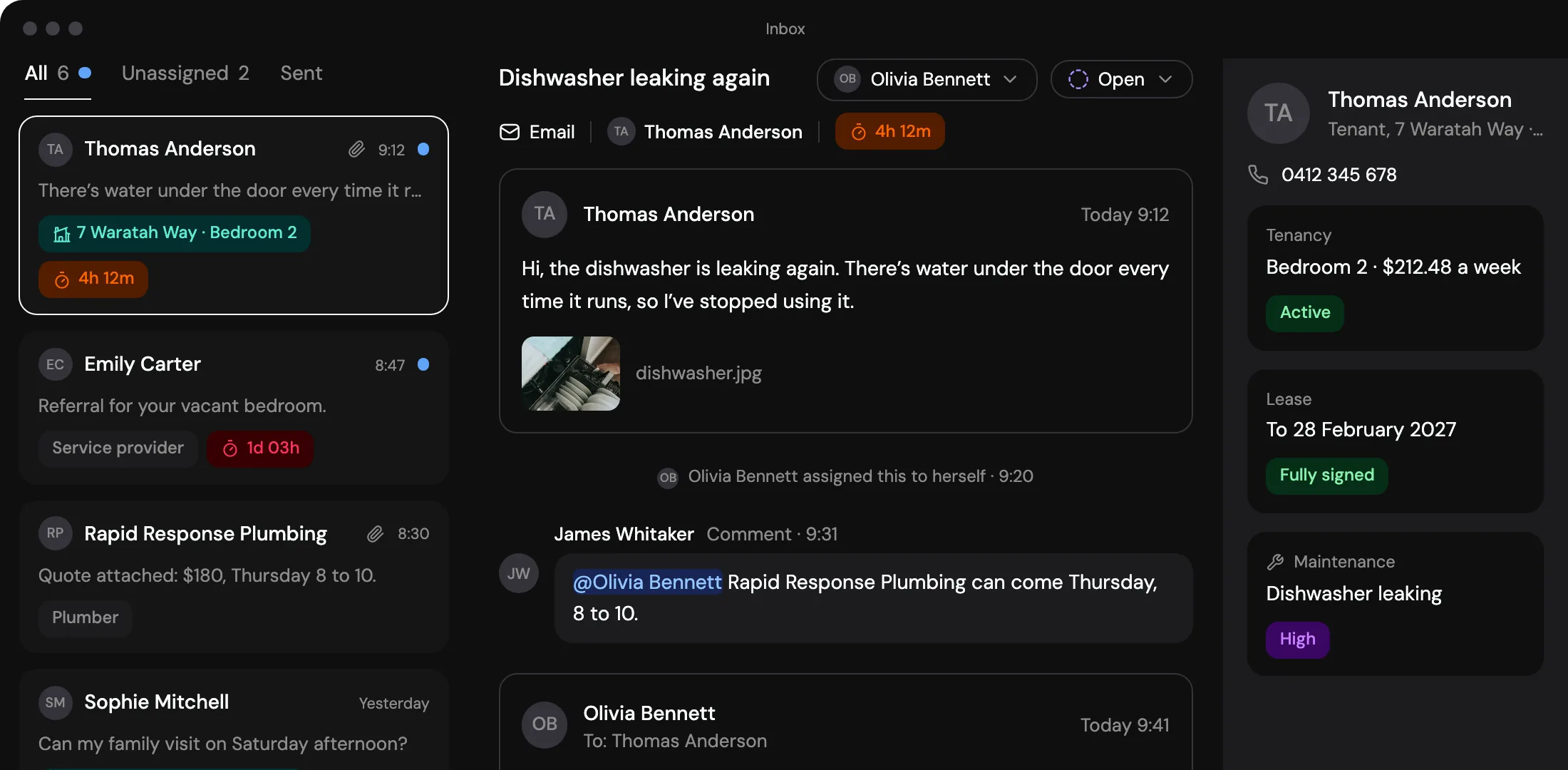
One thread per person. Residents, coordinators, families and guardians.
Email the whole dwelling. Type its name and everyone is added.
Read-only seats. Team members who can look but not change.
Big or small, you get it all.
Landlord
For landlords who manage their own rentals.
$29.00/month
What’s included
- Up to 3 properties and 20 rooms
- NSW tenancy agreements with e-signing
- Condition reports on iPhone and iPad
- Maintenance tracking
- Rental application forms
- Bank statement import and reconciliation
- Reminders and a shared calendar
- Key and access code register
Portfolio
Property portfolio management at one flat price as you grow.
$49.00/month
What’s included
- Up to 10 properties and 80 rooms
- NSW tenancy agreements with e-signing
- Condition reports on iPhone and iPad
- Maintenance tracking
- Rental application forms
- Bank statement import and reconciliation
- Reminders and a shared calendar
- Key and access code register
Portfolio Plus
For larger portfolios.
Contact us
What’s included
- Up to 25 properties and 250 rooms
- NSW tenancy agreements with e-signing
- Condition reports on iPhone and iPad
- Maintenance tracking
- Rental application forms
- Bank statement import and reconciliation
- Reminders and a shared calendar
- Key and access code register
- Limits agreed past 25 properties
Managing SDA dwellings on Girilang.
The tenancy side of Specialist Disability Accommodation: the agreement with each resident, their reasonable rent contribution, condition reports, repairs, keys and the records kept for each dwelling. Supports such as Supported Independent Living are a separate service, with their own agreement and provider.
No. SDA claims, dwelling enrolment and vacancy notices go to the NDIA as they do now. Girilang keeps the records of each dwelling and its residents beside them.
In NSW, send the standard form residential tenancy agreement, completed and signed online, with your own additional terms. Or draft your own in the document editor, from clauses you can reuse for the next participant. Girilang does not include Victoria’s prescribed SDA residency agreement forms, and your state’s fair trading body or a lawyer can tell you which agreement applies.
Yes. Record each resident’s contribution as the rent on their tenancy, and invoices are drafted on schedule for you to approve, numbered and emailed under your organisation’s name. Deposits on your bank statement can then be matched to them. Girilang does not work out the contribution from pension or Rent Assistance rates, so enter the figure you have set.
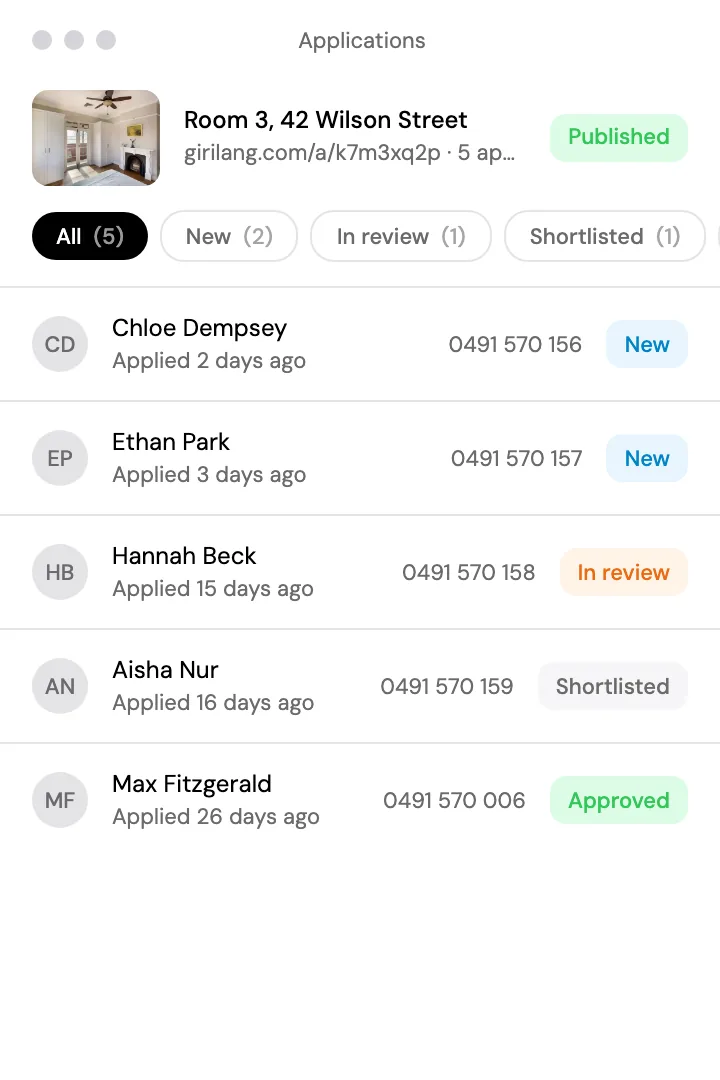
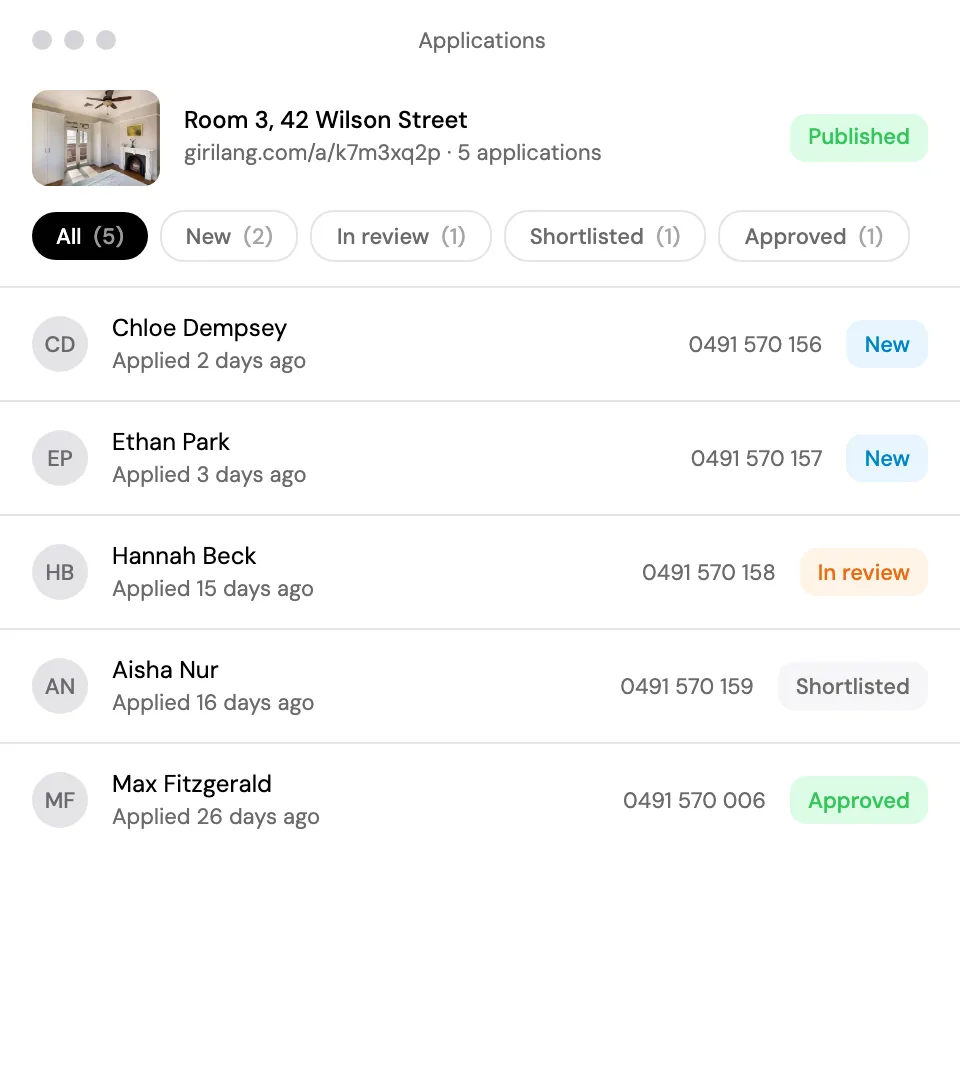
List it where you normally would, such as SDA Finder or Housing Hub, and give support coordinators the short link to your application form. Applications arrive in a queue you sort by status, and the participant you accept becomes the resident of their room with the details they already gave.
Yes. Each is a contact you can email from the shared inbox under your organisation’s name, with one thread per person. A participant’s own record keeps the name they go by beside their legal name, which is the one the agreement uses.
Yes. Start a new email, type the dwelling’s name, and everyone living there is added. They receive one email with every address visible, so use it for news about the house, such as a fire safety check or a planned outage.
Yes. Each tenancy’s move-in, term end and move-out are on the calendar, with reminders for a term ending, a bond not yet lodged and a room left empty. Subscribe to it from Google, Apple or Outlook Calendar.
Yes. Record each existing tenancy with the participant’s room, the date they moved in and their rent contribution. Each one is entered by hand.
Owners and managers manage everything. A read-only team member can look but not change anything, and cannot open a key or see its codes. Residents have no access to your records.
One subscription for your organisation, with no fee per participant or per signed agreement. The plans above show how many properties and rooms each holds, and each starts with a 14-day free trial.
More of what Girilang does.

Start with one property.
Add it and the people who live there today. The rest of your rentals can follow when it suits you.